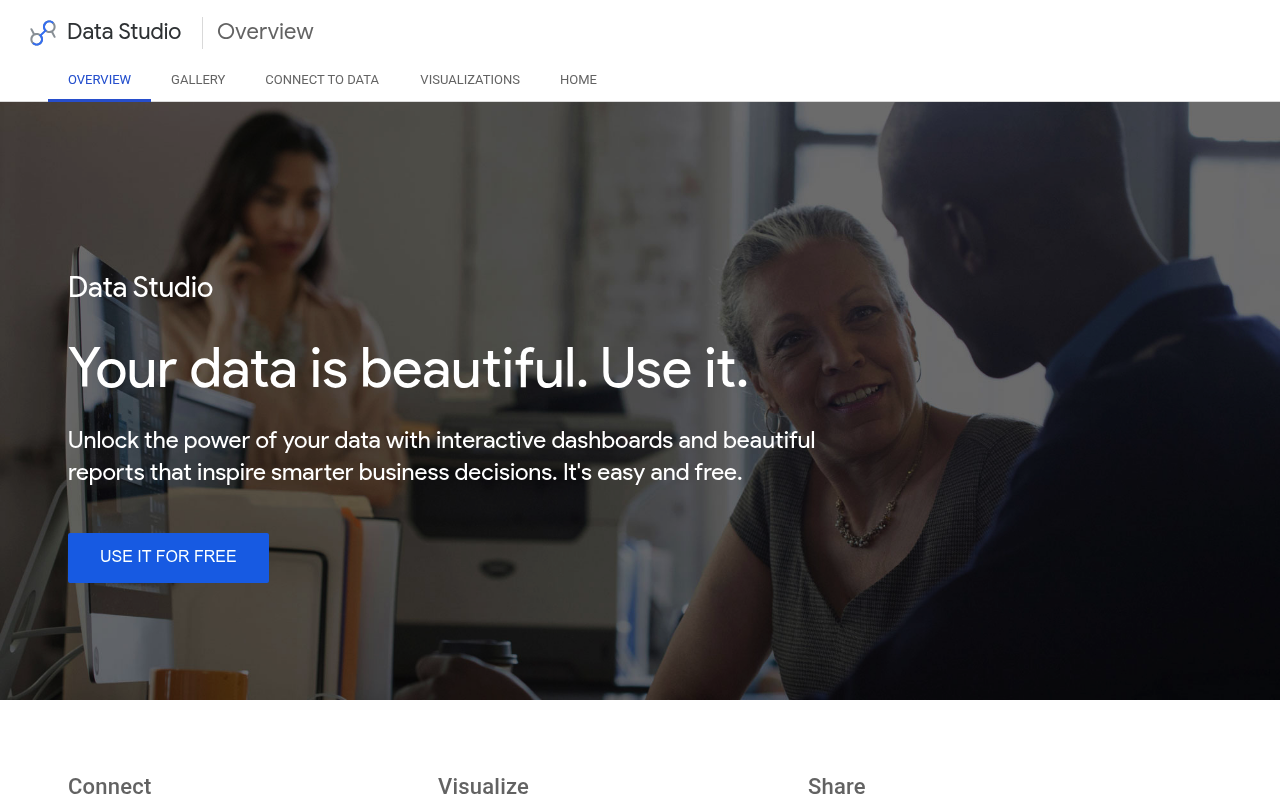
Google Data Studio website screenshot

Google Data Studio

Google Data Studio, now rebranded as Looker Studio, is a free data visualization and business intelligence tool from Google that transforms data into customizable, shareable dashboards and reports. It connects to a wide range of data sources and supports community connectors and visualizations for extensibility.

4 APIs 0 Features
AnalyticsBusiness IntelligenceDashboardsDataReportingVisualization

APIs

Google Data Studio API

The Looker Studio API enables programmatic management of Looker Studio assets, including searching for assets and managing permissions within Google Workspace or Cloud Identity ...

Looker Studio Linking API

The Linking API provides a reliable interface to configure and forward users directly to a pre-configured Looker Studio report via URL parameters, enabling one-click report crea...

Looker Studio Community Connectors

Community Connectors enable direct connections from Looker Studio to any internet-accessible data source using Google Apps Script. Developers implement getAuthType, getConfig, g...

Looker Studio Community Visualizations

Community Visualizations allow developers to build and share custom JavaScript visualizations in Looker Studio using the dscc helper library, extending the platform with custom ...

Collections

Pricing Plans

Rate Limits

Google Data Studio Rate Limits

13 limits

RATE LIMITS

FinOps

Semantic Vocabularies

Google Data Studio Context

0 classes · 10 properties

JSON-LD

Resources

🔗
OpenAPI
OpenAPI
🔗
OpenAPI
OpenAPI
🔗
JSONSchema
JSONSchema
🔗
JSONSchema
JSONSchema
🔗
JSONSchema
JSONSchema
🔗
JSONSchema
JSONSchema
🔗
JSONSchema
JSONSchema
🔗
JSONLD
JSONLD
🌐
Portal
Portal
🔗
Documentation
Documentation
🚀
GettingStarted
GettingStarted
🔑
Authentication
Authentication
📰
Blog
Blog
🟢
StatusPage
StatusPage
💬
Support
Support
📜
TermsOfService
TermsOfService
📜
PrivacyPolicy
PrivacyPolicy
👥
GitHubOrganization
GitHubOrganization
🔗
Community
Community
🔗
Gallery
Gallery
📄
ChangeLog
ChangeLog
💰
Pricing
Pricing
🔗
Website
Website
🔗
Login
Login
📝
Signup
Signup

Sources

Raw ↑
opencollection: 1.0.0
info:
  name: Google Data Studio Looker Studio Linking API
  version: v1
items:
- info:
    name: Reports
    type: folder
  items:
  - info:
      name: Google Data Studio Create a pre-configured Looker Studio report
      type: http
    http:
      method: GET
      url: https://lookerstudio.google.com/reporting/create
      params:
      - name: c.reportId
        value: ''
        type: query
        description: The template report ID. If omitted, a blank report is created.
      - name: c.pageId
        value: ''
        type: query
        description: Specifies the initial page to load in the report.
      - name: c.mode
        value: ''
        type: query
        description: Sets the initial mode of the report on load. Accepts "view" or "edit".
      - name: c.explain
        value: ''
        type: query
        description: Enables the debug/info dialog for troubleshooting. Set to true to display debug information.
      - name: r.reportName
        value: ''
        type: query
        description: Overrides the template report name with the specified value.
      - name: r.measurementId
        value: ''
        type: query
        description: Sets Google Analytics Measurement IDs for the report.
      - name: r.keepMeasurementId
        value: ''
        type: query
        description: When true, preserves the template's measurement IDs instead of replacing them.
      - name: ds.ds0.datasourceName
        value: ''
        type: query
        description: Sets the display name of the data source. The alias (e.g., ds0) identifies which data source in the template
          to configure.
      - name: ds.ds0.connector
        value: ''
        type: query
        description: Specifies the connector type for the data source. When set, the data source configuration is completely
          replaced (all required parameters must be provided). When omitted, only specified parameters are updated while others
          are inherited from the template. Supported connectors include bigQuery, googleSheets, googleAnalytics, cloudSpanner,
          looker, searchConsole, googleCloudStorage, and community connectors.
      - name: ds.ds0.refreshFields
        value: ''
        type: query
        description: Controls field refresh behavior. Set to true to refresh fields when the data source configuration changes.
      - name: ds.ds0.projectId
        value: ''
        type: query
        description: Google Cloud project ID. Used with BigQuery and Cloud Spanner connectors.
      - name: ds.ds0.datasetId
        value: ''
        type: query
        description: BigQuery dataset ID. Used with the BigQuery TABLE type.
      - name: ds.ds0.tableId
        value: ''
        type: query
        description: BigQuery table ID. Used with the BigQuery TABLE type.
      - name: ds.ds0.type
        value: ''
        type: query
        description: BigQuery query type. Accepts TABLE or CUSTOM_QUERY.
      - name: ds.ds0.sql
        value: ''
        type: query
        description: SQL query string for BigQuery CUSTOM_QUERY type or Cloud Spanner connector.
      - name: ds.ds0.spreadsheetId
        value: ''
        type: query
        description: Google Sheets spreadsheet ID.
      - name: ds.ds0.worksheetId
        value: ''
        type: query
        description: Google Sheets worksheet ID.
      - name: ds.ds0.hasHeader
        value: ''
        type: query
        description: Whether the Google Sheet has a header row. Defaults to true.
      - name: ds.ds0.range
        value: ''
        type: query
        description: Cell range to use from the Google Sheet (e.g., A1:D100).
      - name: ds.ds0.accountId
        value: ''
        type: query
        description: Google Analytics account ID.
      - name: ds.ds0.propertyId
        value: ''
        type: query
        description: Google Analytics property ID.
      - name: ds.ds0.viewId
        value: ''
        type: query
        description: Google Analytics view ID. Required for Universal Analytics only.
      - name: ds.ds0.instanceId
        value: ''
        type: query
        description: Cloud Spanner instance ID.
      - name: ds.ds0.databaseId
        value: ''
        type: query
        description: Cloud Spanner database ID.
      - name: ds.ds0.instanceUrl
        value: ''
        type: query
        description: Looker instance URL.
      - name: ds.ds0.model
        value: ''
        type: query
        description: Looker model name.
      - name: ds.ds0.explore
        value: ''
        type: query
        description: Looker explore name.
      - name: ds.ds0.siteUrl
        value: ''
        type: query
        description: Google Search Console site URL.
      - name: ds.ds0.tableType
        value: ''
        type: query
        description: Search Console table type.
      - name: ds.ds0.searchType
        value: ''
        type: query
        description: Search Console search type.
      - name: ds.ds0.pathType
        value: ''
        type: query
        description: Google Cloud Storage path type. Accepts FILE or FOLDER.
      - name: ds.ds0.path
        value: ''
        type: query
        description: Google Cloud Storage file or folder path.
      - name: ds.ds0.connectorId
        value: ''
        type: query
        description: Community connector ID. Used to specify a community-built connector along with any connector-specific
          parameters.
    docs: Forwards the user to a pre-configured Looker Studio report using URL parameters. The user is presented with a report
      based on the specified template and data source configuration. Clicking "Edit and share" saves a personal copy to the
      user's account with full editing and sharing capabilities. Users need view access to the template report. When data
      source configuration is updated, users need view access to any reusable data sources. Embedded data sources inherit
      permissions from the report.
- info:
    name: Embedding
    type: folder
  items:
  - info:
      name: Google Data Studio Create a pre-configured embedded Looker Studio report
      type: http
    http:
      method: GET
      url: https://lookerstudio.google.com/embed/reporting/create
      params:
      - name: c.reportId
        value: ''
        type: query
        description: The template report ID. If omitted, a blank report is created.
      - name: c.pageId
        value: ''
        type: query
        description: Specifies the initial page to load in the report.
      - name: c.mode
        value: ''
        type: query
        description: Sets the initial mode of the report on load. Accepts "view" or "edit".
      - name: c.explain
        value: ''
        type: query
        description: Enables the debug/info dialog for troubleshooting.
      - name: r.reportName
        value: ''
        type: query
        description: Overrides the template report name.
      - name: ds.ds0.connector
        value: ''
        type: query
        description: Specifies the connector type for the data source configuration. When set, the data source is completely
          replaced. When omitted, only specified parameters are updated.
      - name: ds.ds0.datasourceName
        value: ''
        type: query
        description: Sets the display name of the data source.
      - name: ds.ds0.refreshFields
        value: ''
        type: query
        description: Controls whether fields are refreshed on configuration change.
    docs: Forwards the user to a pre-configured embedded Looker Studio report using URL parameters. This endpoint provides
      the same functionality as the standard report creation endpoint but optimized for embedding in iframes. Accepts the
      same parameters as the /reporting/create endpoint.
bundled: true
