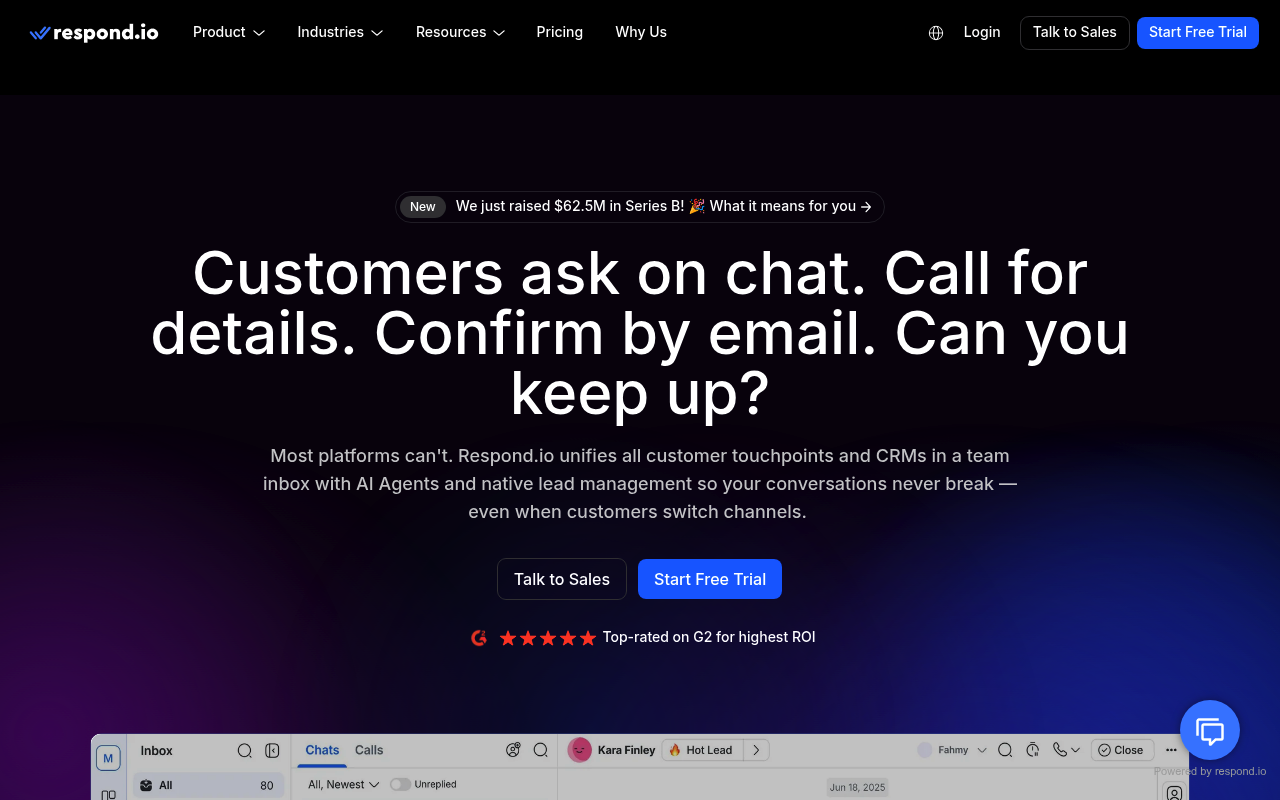
Respond.io website screenshot

Respond.io

Respond.io is an AI-powered customer-conversation management platform that unifies omnichannel messaging - WhatsApp, Messenger, Instagram, Telegram, SMS, email, and website chat - into a single inbox. Its REST Developer API lets businesses manage contacts, send and read messages across channels, manage conversations, post comments, apply tags and custom fields, and subscribe to webhooks.

6 APIs 0 Features
MessagingOmnichannelCustomer ConversationsWhatsAppAI

APIs

Respond.io Contacts API

Access, create, update, merge, list, and delete contacts. Contacts are addressed by an identifier of the form id:{id}, email:{email}, or phone:{phone}, with support for tags, cu...

Respond.io Messages API

Send messages to a contact across any connected channel (text, attachment, quick replies, WhatsApp template, email) and read individual messages or list a contact's message hist...

Respond.io Conversations API

Open and close conversations for a contact, set conversation status, and assign or unassign users (human agents or AI agents) to the conversation.

Respond.io Comments API

Create internal comments on a contact's conversation for team collaboration, with support for mentioning users. Comments are not sent to the contact.

Respond.io Tags and Custom Fields API

Manage workspace tags (create, update, delete) and add or remove them on contacts, plus list and create custom fields used to store structured contact metadata.

Respond.io Webhooks API

Subscribe to platform events (new message, message status, new contact, conversation opened/closed) delivered to your server as structured JSON payloads over HTTPS.

Collections

Pricing Plans

Respond Plans Pricing

4 plans

PLANS

Rate Limits

Respond Rate Limits

3 limits

RATE LIMITS

FinOps

Resources

🔗
LinkedIn
LinkedIn
🔗
Website
Website
🔗
Documentation
Documentation
🔗
Plans
Plans
🔗
RateLimits
RateLimits
🔗
FinOps
FinOps

Sources

Raw ↑
opencollection: 1.0.0
info:
  name: Respond.io Developer API
  version: '2.0'
request:
  auth:
    type: bearer
    token: '{{bearerToken}}'
items:
- info:
    name: Contacts
    type: folder
  items:
  - info:
      name: Create a contact
      type: http
    http:
      method: POST
      url: https://api.respond.io/v2/contact
      body:
        type: json
        data: '{"firstName":"Ada","email":"ada@example.com","phone":"+60123456789"}'
    docs: Create a new contact.
  - info:
      name: Get a contact
      type: http
    http:
      method: GET
      url: https://api.respond.io/v2/contact/{identifier}
    docs: Get a contact by identifier (id:, email:, or phone:).
  - info:
      name: Update a contact
      type: http
    http:
      method: PUT
      url: https://api.respond.io/v2/contact/{identifier}
      body:
        type: json
        data: '{"firstName":"Ada"}'
    docs: Update an existing contact.
  - info:
      name: Delete a contact
      type: http
    http:
      method: DELETE
      url: https://api.respond.io/v2/contact/{identifier}
    docs: Delete a contact.
  - info:
      name: List contacts
      type: http
    http:
      method: GET
      url: https://api.respond.io/v2/contact/list
    docs: List contacts with pagination.
  - info:
      name: Merge contacts
      type: http
    http:
      method: POST
      url: https://api.respond.io/v2/contact/merge
      body:
        type: json
        data: '{"primaryContactId":12345,"secondaryContactId":67890}'
    docs: Merge a secondary contact into a primary contact.
  - info:
      name: List a contact's channels
      type: http
    http:
      method: GET
      url: https://api.respond.io/v2/contact/{identifier}/channel
    docs: List the channels a contact is reachable on.
- info:
    name: Messages
    type: folder
  items:
  - info:
      name: Send a message
      type: http
    http:
      method: POST
      url: https://api.respond.io/v2/contact/{identifier}/message
      body:
        type: json
        data: '{"channelId":123,"message":{"type":"text","text":"Hello from respond.io"}}'
    docs: Send a message to a contact through a channel.
  - info:
      name: Get a message
      type: http
    http:
      method: GET
      url: https://api.respond.io/v2/contact/{identifier}/message/{messageId}
    docs: Get a single message by id.
- info:
    name: Conversations
    type: folder
  items:
  - info:
      name: Open or close a conversation
      type: http
    http:
      method: POST
      url: https://api.respond.io/v2/contact/{identifier}/conversation
      body:
        type: json
        data: '{"status":"close"}'
    docs: Open or close a contact's conversation.
  - info:
      name: Assign or unassign a conversation
      type: http
    http:
      method: POST
      url: https://api.respond.io/v2/contact/{identifier}/conversation/assignee
      body:
        type: json
        data: '{"assignee":"email:agent@example.com"}'
    docs: Assign or unassign a user to a conversation.
- info:
    name: Comments
    type: folder
  items:
  - info:
      name: Create a comment
      type: http
    http:
      method: POST
      url: https://api.respond.io/v2/contact/{identifier}/comment
      body:
        type: json
        data: '{"text":"Following up @[agent@example.com]"}'
    docs: Add an internal comment to a contact's conversation.
- info:
    name: Tags and Custom Fields
    type: folder
  items:
  - info:
      name: Add tags to a contact
      type: http
    http:
      method: POST
      url: https://api.respond.io/v2/contact/{identifier}/tag
      body:
        type: json
        data: '["vip","newsletter"]'
    docs: Add tags to a contact.
  - info:
      name: Remove tags from a contact
      type: http
    http:
      method: DELETE
      url: https://api.respond.io/v2/contact/{identifier}/tag
      body:
        type: json
        data: '["vip"]'
    docs: Remove tags from a contact.
  - info:
      name: Create a tag
      type: http
    http:
      method: POST
      url: https://api.respond.io/v2/tag
      body:
        type: json
        data: '{"name":"vip"}'
    docs: Create a workspace tag.
  - info:
      name: List custom fields
      type: http
    http:
      method: GET
      url: https://api.respond.io/v2/custom_field
    docs: List all custom field definitions.
  - info:
      name: Create a custom field
      type: http
    http:
      method: POST
      url: https://api.respond.io/v2/custom_field
      body:
        type: json
        data: '{"name":"account_tier","type":"list","options":["free","pro"]}'
    docs: Create a custom field definition.
