Google Forms
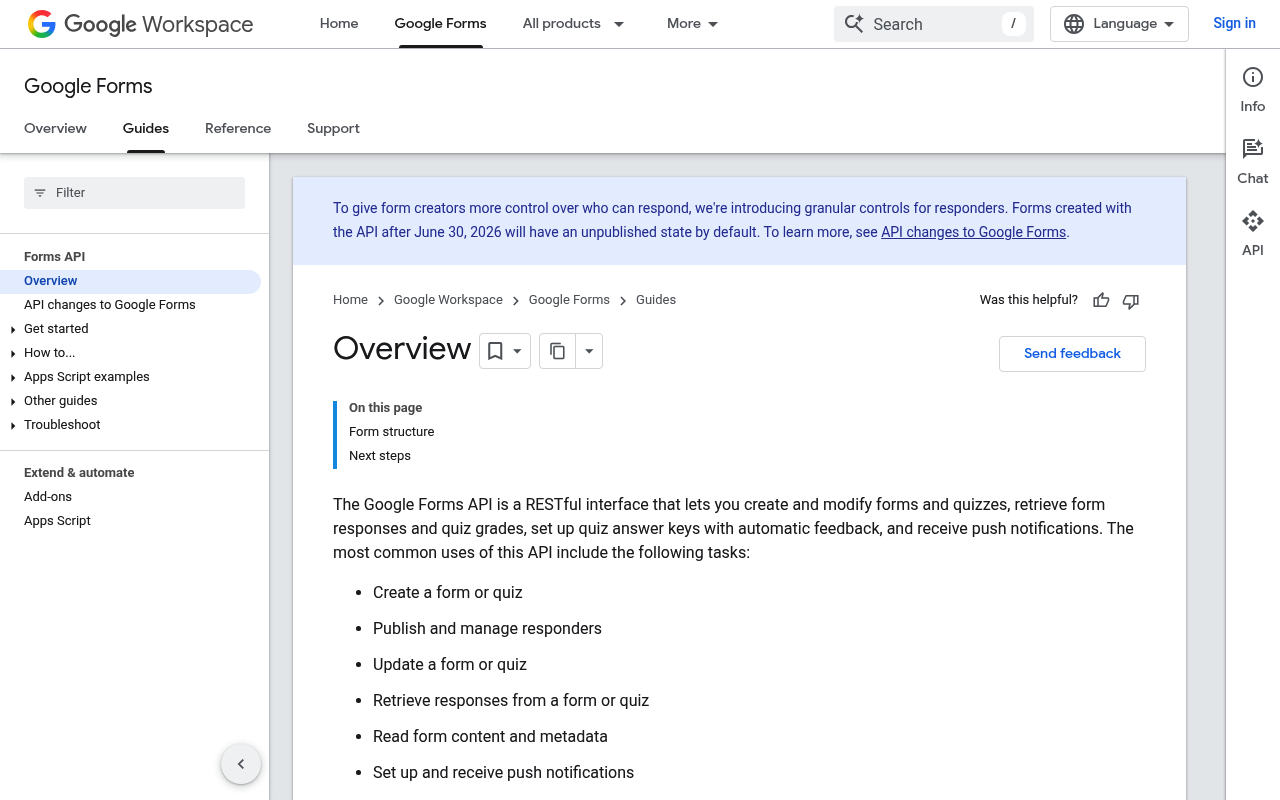
The Google Forms API is a RESTful interface that lets you create and modify Google Forms programmatically, read form responses, set up watches for notifications on form changes and new responses, and integrate forms with external applications.
Google Forms is listed with 3 APIs on the APIs.io network, including Responses API, Watches API, and 1 more. Tagged areas include Data Collection, Forms, Google, Google Workspace, and Questionnaire.
The Google Forms catalog on APIs.io includes 1 JSON-LD context and 2 Spectral governance rulesets.
Google Forms’ developer surface includes changelog, authentication, developer console, getting-started guide, support, and 35 more developer resources.
Kin Score
 Kin Score
How this is scored →
Kin Score
How this is scored →scored 2026-10-17 · rubric v0.24.0
APIs 3
Individual APIs this provider publishes, each with its own machine-readable definition.
Google Forms API
Operations for creating, reading, and updating forms
Google Forms Responses API
Operations for reading form responses
Google Forms Watches API
Operations for managing form change notifications
Postman Collections 3
Ready-to-run Postman collections for exercising this provider's APIs.
Open Collections 4
Open, tool-agnostic API collections (OpenAPI-derived and Bruno).
API Collection
OPEN COLLECTIONGoogle Forms API
OPEN COLLECTIONGoogle Forms Responses API
OPEN COLLECTIONGoogle Forms Watches API
OPEN COLLECTIONArazzo Workflows 8
Multi-step API workflows described with the Arazzo specification.
Google Forms Build and Grade a Quiz
Create a form, switch it into quiz mode with a graded question, publish it, and read scored submissions.
ARAZZOGoogle Forms Close a Form and Export Final Responses
Stop a form accepting responses, then take the final response export and record the closing state.
ARAZZOGoogle Forms Create and Publish a Form
Create a form, add its questions in a batch update, publish it, and read back the responder link.
ARAZZOGoogle Forms Harvest Form Responses
Read a form's question structure, page through its responses since a timestamp, and pull one response in full.
ARAZZOGoogle Forms Renew an Expiring Watch
List a form's watches and renew the existing one, or create a replacement when none survives.
ARAZZOGoogle Forms Safe Form Edit with Write Control
Read a form's current revision, apply a batch update guarded by that revision, and confirm the new revision.
ARAZZOGoogle Forms Subscribe to Response Notifications
Verify a form, register a Cloud Pub/Sub watch for new responses, and confirm the watch is active.
ARAZZOGoogle Forms Unsubscribe Form Watches
List the watches registered on a form and delete one to stop its notification delivery.
ARAZZOScroll for all 8
Pricing Plans 1
Published pricing tiers and plan structures.
Rate Limits 1
Documented rate limits and quota policies.
Google Forms Rate Limits
RATE LIMITSFinOps 1
Cost, billing, and metering signals for API financial operations.
Google Forms Finops
FINOPSFeatures 8
Notable capabilities this provider offers.
Form Creation
Programmatically create Google Forms with custom titles and descriptions.
Batch Updates
Apply multiple changes to a form in a single API call.
Response Collection
Read and analyze form responses programmatically.
Watch Notifications
Receive real-time notifications via Cloud Pub/Sub when forms change or responses are submitted.
Quiz Support
Create and grade quiz forms with correct answers and scoring.
Publish Settings
Control whether forms are published and accepting responses.
File Upload Questions
Support for file upload question types.
Rating Questions
Support for rating-style questions with customizable icons.
Scroll for all 8
Semantic Vocabularies 1
JSON-LD contexts and semantic vocabularies used across these APIs.
Google Forms Api Context
JSON-LDSpectral Rules 2
Spectral governance rulesets for linting and validating these APIs.
Google Forms — jsonschema rules
SPECTRALGoogle Forms API Rules
SPECTRALOpenAPI Overlays 1
Overlays applied on top of this provider's contracts. Each card says who wrote it: a document the provider publishes, or one API Evangelist derived or generated.
Google Forms Api Overlay
UNRECORDEDJSON Schema 4
Standalone JSON Schema definitions for this provider's data models.
JSON Structure 4
JSON Structure definitions describing this provider's data shapes.
Google Forms Api Form Response Structure
JSON STRUCTUREGoogle Forms Api Form Structure
JSON STRUCTUREGoogle Forms Api Question Structure
JSON STRUCTUREGoogle Forms Api Watch Structure
JSON STRUCTUREExamples 4
Example request and response payloads for these APIs.
Security Posture 3
Authentication, domain security, vulnerability disclosure, and trust-center signals.
Scopes 1
OAuth scopes governing access to this provider's APIs.
Agentic Access 1
Recommended x-agentic-access execution contracts for AI agents.
Use Cases 5
What developers build with this provider.
Automated Survey Distribution
Create and distribute surveys programmatically as part of CRM or marketing workflows.
Response Analytics
Automatically collect and analyze form responses for reporting dashboards.
Event-Driven Processing
Trigger downstream workflows when new responses are submitted using watches.
Quiz and Assessment Automation
Build automated grading systems for educational quizzes.
Data Collection Pipelines
Integrate forms into data collection pipelines for research or operations.
Integrations 4
Pre-built integrations with other platforms and tools.
Google Sheets
Automatically link form responses to Google Sheets for analysis.
Google Cloud Pub/Sub
Receive real-time notifications about form events via Pub/Sub topics.
Google Drive
Store file upload responses in Google Drive.
Google Workspace
Integrate with other Google Workspace apps for collaboration.
Resources
Get Started 2
Portal, sign-up, and the first successful call
Agent Surfaces 4
MCP servers, agent skills, and machine-readable catalogs
Design & Contract 16
Pagination, idempotency, versioning, errors, and events
Scroll for all 16
Build 3
SDKs, sample code, and the tooling you integrate with
Access & Security 5
Authentication, authorization, and security posture
Operate 4
Status, limits, changes, and where to get help
Commercial 4
Pricing, plans, and the legal terms of use
Company 1
The organization behind the API
Other 1
Properties that don't map to a standard resource type
Source (apis.yml)
Work with this as data
Every provider here is available over the APIs.io API and to AI agents over MCP.