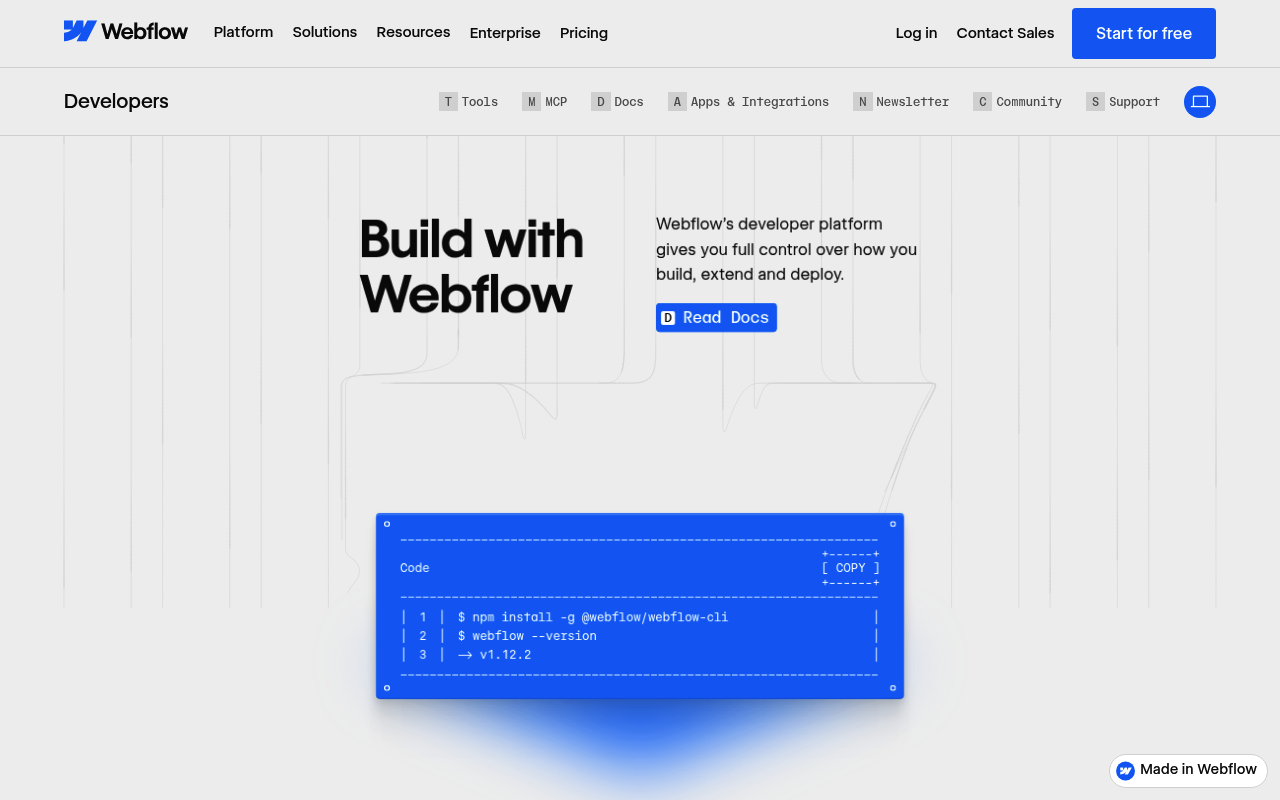
Webflow API and Documentation
Webflow provides a visual web development platform with a comprehensive REST API for programmatically managing sites, CMS collections, ecommerce, assets, users, and forms. The Webflow Data API v2 enables developers to build integrations, automate content workflows, and extend Webflow's core functionality. All V2 API endpoints start with https://api.webflow.com/v2 and support OAuth 2.0 and API key authentication.
Webflow API and Documentation publishes 19 API contracts indexed on the APIs.io network, including Asset Folders API, Assets API, Collections API, and 16 more. Tagged areas include CMS, Content Management, E-Commerce, No-Code, and Publishing.
The Webflow API and Documentation catalog on APIs.io includes 1 JSON-LD context and 3 Spectral governance rulesets.
Webflow API and Documentation’s developer surface includes authentication, developer portal, getting-started guide, changelog, engineering blog, support, academy / training, and 33 more developer resources.
What this lets a business do 1
Business capabilities this provider's published APIs can perform, derived from its own contracts. Browse all capabilities →
Kin Score
 Kin Score
How this is scored →
Kin Score
How this is scored →scored 2026-10-17 · rubric v0.24.0
APIs 19
Individual APIs this provider publishes, each with its own machine-readable definition.
Webflow API and Documentation Asset Folders API
The Asset Folders API from Webflow API and Documentation — 2 operation(s) for asset folders.
Webflow API and Documentation Assets API
Assets are files that are uploaded to your Webflow account.
Webflow API and Documentation Collections API
Collections are CMS collections of items.
Webflow API and Documentation Comments API
The Comments API from Webflow API and Documentation — 3 operation(s) for comments.
Webflow API and Documentation Components API
The Components API from Webflow API and Documentation — 3 operation(s) for components.
Webflow API and Documentation Custom Code API
Custom code is JavaScript that is added to your Webflow site.
Webflow API and Documentation Forms API
Forms are forms that are created on your Webflow site.
Webflow API and Documentation Inventory API
Inventory is the stock of e-commerce items in your Webflow site.
Webflow API and Documentation Items API
Items are the individual e-commerce items in your Webflow site.
Webflow API and Documentation Meta API
Meta is the metadata for your Webflow API token.
Webflow API and Documentation Orders API
Orders are the orders for your Webflow site.
Webflow API and Documentation Pages API
Pages are the pages in your Webflow site.
Webflow API and Documentation Products & SKUs API
Products & SKUs are the products and SKUs in your Webflow e-commerce site.
Webflow API and Documentation Settings API
Settings are the e-commerce settings for your Webflow site.
Webflow API and Documentation Site Activity API
The Site Activity API from Webflow API and Documentation — 1 operation(s) for site activity.
Webflow API and Documentation Site Administration API
The Site Administration API from Webflow API and Documentation — 1 operation(s) for site administration.
Webflow API and Documentation Sites API
Sites are the sites in your Webflow workspace.
Webflow API and Documentation Webhooks API
Webhooks are the webhooks in your Webflow site.
Webflow API and Documentation Workspce Audit Logs API
The Workspce Audit Logs API from Webflow API and Documentation — 1 operation(s) for workspce audit logs.
Scroll for all 19
Postman Collections 5
Ready-to-run Postman collections for exercising this provider's APIs.
Webflow Collections API
POSTMANWebflow Data API
POSTMANWebflow CMS Items API
POSTMANWebflow Sites API
POSTMANWebflow Webhooks API
POSTMANOpen Collections 28
Open, tool-agnostic API collections (OpenAPI-derived and Bruno).
API Collection
OPEN COLLECTIONWebflow Collections Asset Folders API
OPEN COLLECTIONWebflow Collections Asset Folders Assets API
OPEN COLLECTIONWebflow Asset Folders Collections API
OPEN COLLECTIONWebflow Collections Asset Folders Comments API
OPEN COLLECTIONWebflow Collections Asset Folders Components API
OPEN COLLECTIONWebflow Collections Asset Folders Custom Code API
OPEN COLLECTIONWebflow Collections Asset Folders Custom Code - Pages API
OPEN COLLECTIONWebflow Collections Asset Folders Custom Code - Sites API
OPEN COLLECTIONWebflow Collections Asset Folders Forms API
OPEN COLLECTIONWebflow Collections Asset Folders Inventory API
OPEN COLLECTIONWebflow Collections Asset Folders Items API
OPEN COLLECTIONWebflow Collections Asset Folders Meta API
OPEN COLLECTIONWebflow Collections Asset Folders Orders API
OPEN COLLECTIONWebflow Collections Asset Folders Pages API
OPEN COLLECTIONWebflow Collections Asset Folders Products & SKUs API
OPEN COLLECTIONWebflow Collections Asset Folders Registered Scripts API
OPEN COLLECTIONWebflow Collections Asset Folders Settings API
OPEN COLLECTIONWebflow Collections Asset Folders Site Activity API
OPEN COLLECTIONWebflow Collections Asset Folders Site Administration API
OPEN COLLECTIONWebflow Collections Asset Folders Sites API
OPEN COLLECTIONWebflow Collections Asset Folders Webhooks API
OPEN COLLECTIONWebflow Collections Asset Folders Workspce Audit Logs API
OPEN COLLECTIONWebflow Collections API
OPEN COLLECTIONWebflow Data API
OPEN COLLECTIONWebflow CMS Items API
OPEN COLLECTIONWebflow Sites API
OPEN COLLECTIONWebflow Webhooks API
OPEN COLLECTIONScroll for all 28
Arazzo Workflows 9
Multi-step API workflows described with the Arazzo specification.
Webflow Apply Custom Code and Publish
List a site's registered scripts, apply one to the site, then publish the site.
ARAZZOWebflow Create Collection and First Item
Create a CMS collection on a site, add a custom field, then create and publish a first item.
ARAZZOWebflow Create Item and Publish Site
Create a draft item, publish the item, then publish the whole site.
ARAZZOWebflow Create Product and Publish
Create an ecommerce product with its default SKU, confirm it, then publish the site.
ARAZZOWebflow Form Schema and Submission Webhook
List a site's forms, read the first form's schema, and register a form_submission webhook.
ARAZZOWebflow Register Webhook
Resolve a site, register a webhook for an event, and confirm the registration.
ARAZZOWebflow Resolve Site and Add Collection Item
List sites, pick a site's first collection, and add an item to it.
ARAZZOWebflow Update Page SEO and Publish
List a site's pages, read the first page's metadata, update its SEO, then publish the site.
ARAZZOScroll for all 9
Pricing Plans 1
Published pricing tiers and plan structures.
Rate Limits 1
Documented rate limits and quota policies.
FinOps 1
Cost, billing, and metering signals for API financial operations.
Features 8
Notable capabilities this provider offers.
Visual Web Builder
Drag-and-drop visual web design with clean, semantic HTML/CSS output.
CMS API
Programmatic management of CMS collections and items for dynamic content.
Ecommerce API
Full ecommerce API for products, orders, inventory, and payment processing.
OAuth 2.0
Secure OAuth 2.0 authorization for building Webflow apps and integrations.
Webhooks
Real-time event notifications for form submissions, publishing, and ecommerce events.
Designer Extensions
Build custom panels and tools that run inside the Webflow Designer.
Site Publishing API
Programmatically publish Webflow sites to staging or production domains.
Multisite Support
Manage multiple Webflow sites across workspaces from a single API key.
Scroll for all 8
Semantic Vocabularies 1
JSON-LD contexts and semantic vocabularies used across these APIs.
Webflow Context
JSON-LDSpectral Rules 3
Spectral governance rulesets for linting and validating these APIs.
JSON Schema 4
Standalone JSON Schema definitions for this provider's data models.
Webflow Collection Item
JSON SCHEMAWebflow Ecommerce Order
JSON SCHEMAWebflow Site
JSON SCHEMAWebflow Webhook
JSON SCHEMAJSON Structure 5
JSON Structure definitions describing this provider's data shapes.
Webflow Api And Documentation Webflow Structure
JSON STRUCTUREWebflow Collection Item Structure
JSON STRUCTUREWebflow Order Structure
JSON STRUCTUREWebflow Site Structure
JSON STRUCTUREWebflow Webhook Structure
JSON STRUCTUREExamples 109
Example request and response payloads for these APIs.
Scroll for all 109
Security Posture 4
Authentication, domain security, vulnerability disclosure, and trust-center signals.
Webflow Api And Documentation Webflow Vulnerability Disclosure
security.txt · contact published
SECURITYWebflow Api And Documentation Webflow Trust Center
SOC 2, ISO 27001, ISO 27017, ISO 27018, PCI DSS, GDPR
SECURITYScopes 1
OAuth scopes governing access to this provider's APIs.
Agentic Access 1
Recommended x-agentic-access execution contracts for AI agents.
Use Cases 6
What developers build with this provider.
Headless CMS
Use Webflow as a headless CMS, managing content via the API and rendering with any frontend framework.
Content Automation
Automatically create and publish CMS items from external data sources like spreadsheets or databases.
Ecommerce Integration
Sync Webflow product catalog and orders with ERP or inventory management systems.
Multi-Site Management
Manage content across multiple Webflow sites programmatically from a centralized platform.
Form Lead Processing
Process form submissions via webhooks to integrate with CRM or marketing automation platforms.
Site Deployment Automation
Automate Webflow site publishing as part of CI/CD pipelines or content approval workflows.
Resources
Get Started 2
Portal, sign-up, and the first successful call
Agent Surfaces 2
MCP servers, agent skills, and machine-readable catalogs
Design & Contract 12
Pagination, idempotency, versioning, errors, and events
Scroll for all 12
Build 3
SDKs, sample code, and the tooling you integrate with
Access & Security 6
Authentication, authorization, and security posture
Learn 1
Tutorials, courses, talks, and written guidance
Operate 5
Status, limits, changes, and where to get help
Commercial 4
Pricing, plans, and the legal terms of use
Company 3
The organization behind the API
Other 2
Properties that don't map to a standard resource type
Source (apis.yml)
Work with this as data
Every provider here is available over the APIs.io API and to AI agents over MCP.