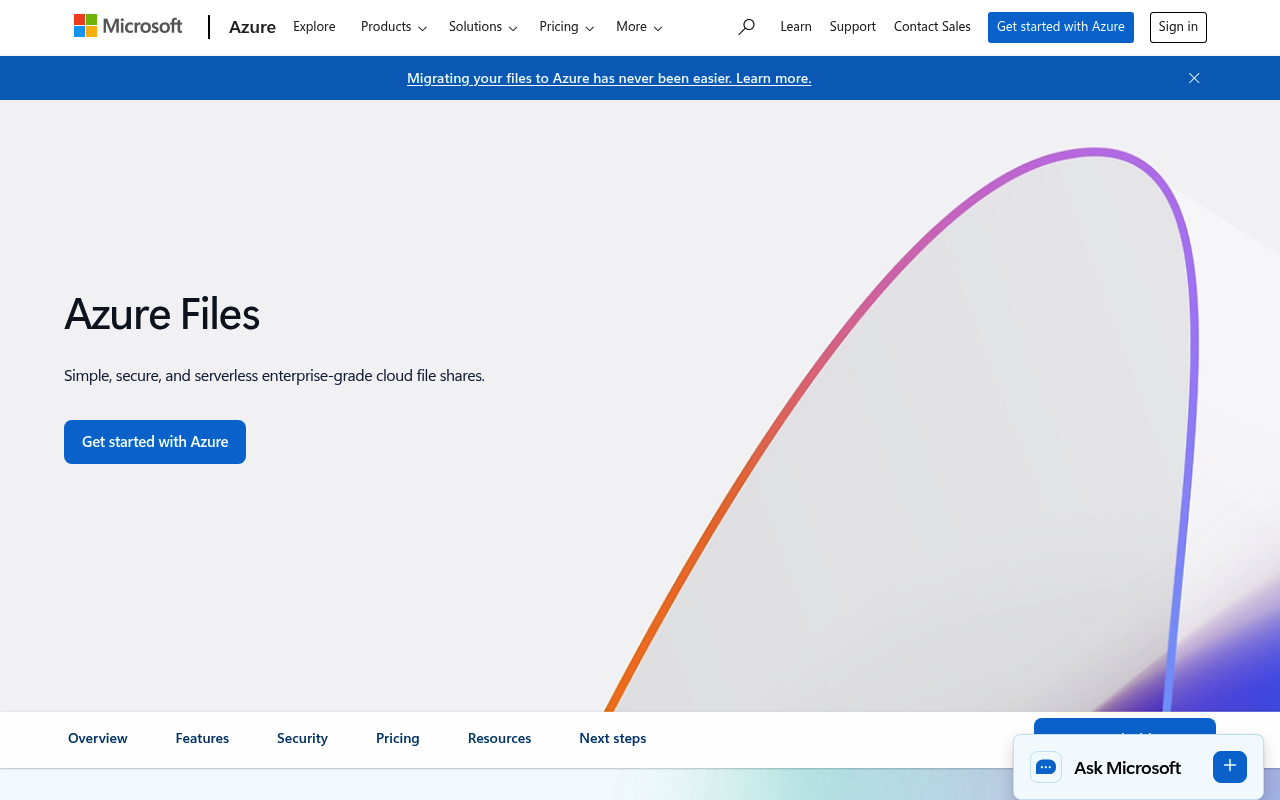
Azure Files website screenshot

Azure Files

Azure Files is a fully managed cloud file share service from Microsoft Azure that provides hosted SMB and NFS file shares accessible from cloud and on-premises clients using standard file system protocols and the FileREST HTTPS API. It supports identity-based authentication via Active Directory and Microsoft Entra ID, snapshots, soft delete, and Azure File Sync for hybrid scenarios. The FileREST data-plane API uses shared key, shared access signatures (SAS), or Microsoft Entra ID OAuth 2.0 bearer tokens for authentication, while the control plane uses Azure Resource Manager.

2 APIs 0 Features
StorageFile StorageFile SharesSMBNFSCloudAzure

APIs

Azure Files FileREST API

Data-plane HTTPS REST API for operations on file shares, directories, and files in Azure Files, including create, copy, lease, list, range, and snapshot operations. Authenticati...

Azure Storage Resource Provider API (File Services / Shares)

Azure Resource Manager REST API for managing storage accounts, FileService settings, and FileShare resources at the control-plane level. Authentication uses Microsoft Entra ID O...

Collections

Resources

🔗
Website
Website
🔗
Documentation
Documentation
💰
Pricing
Pricing
📝
Signup
Signup

Sources

Raw ↑
opencollection: 1.0.0
info:
  name: Azure Files FileREST API
  version: '2023-01-03'
items:
- info:
    name: Account
    type: folder
  items:
  - info:
      name: List shares or get file service properties
      type: http
    http:
      method: GET
      url: https://{account-name}.file.core.windows.net/
      headers:
      - name: x-ms-version
        value: ''
      - name: x-ms-date
        value: ''
      params:
      - name: comp
        value: ''
        type: query
      - name: restype
        value: ''
        type: query
      - name: prefix
        value: ''
        type: query
      - name: marker
        value: ''
        type: query
      - name: maxresults
        value: ''
        type: query
      auth:
        type: apikey
        key: Authorization
        value: '{{Authorization}}'
        placement: header
    docs: '- With `?comp=list` lists shares in the account.

      - With `?restype=service&comp=properties` returns service properties.

      '
- info:
    name: Shares
    type: folder
  items:
  - info:
      name: Get share properties or metadata
      type: http
    http:
      method: GET
      url: https://{account-name}.file.core.windows.net/:shareName
      headers:
      - name: x-ms-version
        value: ''
      - name: x-ms-date
        value: ''
      params:
      - name: shareName
        value: ''
        type: path
      - name: restype
        value: ''
        type: query
      - name: comp
        value: ''
        type: query
      auth:
        type: apikey
        key: Authorization
        value: '{{Authorization}}'
        placement: header
    docs: Get share properties or metadata
  - info:
      name: Create a share
      type: http
    http:
      method: PUT
      url: https://{account-name}.file.core.windows.net/:shareName
      headers:
      - name: x-ms-version
        value: ''
      - name: x-ms-date
        value: ''
      - name: x-ms-share-quota
        value: ''
      params:
      - name: shareName
        value: ''
        type: path
      - name: restype
        value: ''
        type: query
      auth:
        type: apikey
        key: Authorization
        value: '{{Authorization}}'
        placement: header
    docs: Create a share
  - info:
      name: Delete a share
      type: http
    http:
      method: DELETE
      url: https://{account-name}.file.core.windows.net/:shareName
      headers:
      - name: x-ms-version
        value: ''
      - name: x-ms-date
        value: ''
      params:
      - name: shareName
        value: ''
        type: path
      - name: restype
        value: ''
        type: query
      auth:
        type: apikey
        key: Authorization
        value: '{{Authorization}}'
        placement: header
    docs: Delete a share
- info:
    name: Directories
    type: folder
  items:
  - info:
      name: List files and directories or get directory properties
      type: http
    http:
      method: GET
      url: https://{account-name}.file.core.windows.net/:shareName/:directoryPath
      headers:
      - name: x-ms-version
        value: ''
      - name: x-ms-date
        value: ''
      params:
      - name: shareName
        value: ''
        type: path
      - name: directoryPath
        value: ''
        type: path
      - name: restype
        value: ''
        type: query
      - name: comp
        value: ''
        type: query
      - name: prefix
        value: ''
        type: query
      - name: marker
        value: ''
        type: query
      - name: maxresults
        value: ''
        type: query
      auth:
        type: apikey
        key: Authorization
        value: '{{Authorization}}'
        placement: header
    docs: List files and directories or get directory properties
  - info:
      name: Create a directory
      type: http
    http:
      method: PUT
      url: https://{account-name}.file.core.windows.net/:shareName/:directoryPath
      headers:
      - name: x-ms-version
        value: ''
      - name: x-ms-date
        value: ''
      params:
      - name: shareName
        value: ''
        type: path
      - name: directoryPath
        value: ''
        type: path
      - name: restype
        value: ''
        type: query
      auth:
        type: apikey
        key: Authorization
        value: '{{Authorization}}'
        placement: header
    docs: Create a directory
  - info:
      name: Delete a directory
      type: http
    http:
      method: DELETE
      url: https://{account-name}.file.core.windows.net/:shareName/:directoryPath
      headers:
      - name: x-ms-version
        value: ''
      - name: x-ms-date
        value: ''
      params:
      - name: shareName
        value: ''
        type: path
      - name: directoryPath
        value: ''
        type: path
      - name: restype
        value: ''
        type: query
      auth:
        type: apikey
        key: Authorization
        value: '{{Authorization}}'
        placement: header
    docs: Delete a directory
- info:
    name: Files
    type: folder
  items:
  - info:
      name: Download a file or get its properties
      type: http
    http:
      method: GET
      url: https://{account-name}.file.core.windows.net/:shareName/:filePath
      headers:
      - name: x-ms-version
        value: ''
      - name: x-ms-date
        value: ''
      - name: x-ms-range
        value: ''
      params:
      - name: shareName
        value: ''
        type: path
      - name: filePath
        value: ''
        type: path
      - name: comp
        value: ''
        type: query
      auth:
        type: apikey
        key: Authorization
        value: '{{Authorization}}'
        placement: header
    docs: Download a file or get its properties
  - info:
      name: Create a file, set properties/metadata, or put a range
      type: http
    http:
      method: PUT
      url: https://{account-name}.file.core.windows.net/:shareName/:filePath
      headers:
      - name: x-ms-version
        value: ''
      - name: x-ms-date
        value: ''
      - name: x-ms-type
        value: ''
      - name: x-ms-content-length
        value: ''
      - name: x-ms-range
        value: ''
      - name: x-ms-write
        value: ''
      params:
      - name: shareName
        value: ''
        type: path
      - name: filePath
        value: ''
        type: path
      - name: comp
        value: ''
        type: query
      auth:
        type: apikey
        key: Authorization
        value: '{{Authorization}}'
        placement: header
    docs: '- With `x-ms-type: file` and `x-ms-content-length`, creates an empty file.

      - With `?comp=range` and `x-ms-range`/`x-ms-write` headers, writes data into a range.

      - With `?comp=properties` or `?comp=metadata`, updates the file properties/metadata.

      '
  - info:
      name: Delete a file
      type: http
    http:
      method: DELETE
      url: https://{account-name}.file.core.windows.net/:shareName/:filePath
      headers:
      - name: x-ms-version
        value: ''
      - name: x-ms-date
        value: ''
      params:
      - name: shareName
        value: ''
        type: path
      - name: filePath
        value: ''
        type: path
      auth:
        type: apikey
        key: Authorization
        value: '{{Authorization}}'
        placement: header
    docs: Delete a file
  - info:
      name: Get file properties
      type: http
    http:
      method: HEAD
      url: https://{account-name}.file.core.windows.net/:shareName/:filePath
      headers:
      - name: x-ms-version
        value: ''
      - name: x-ms-date
        value: ''
      params:
      - name: shareName
        value: ''
        type: path
      - name: filePath
        value: ''
        type: path
      auth:
        type: apikey
        key: Authorization
        value: '{{Authorization}}'
        placement: header
    docs: Get file properties
bundled: true