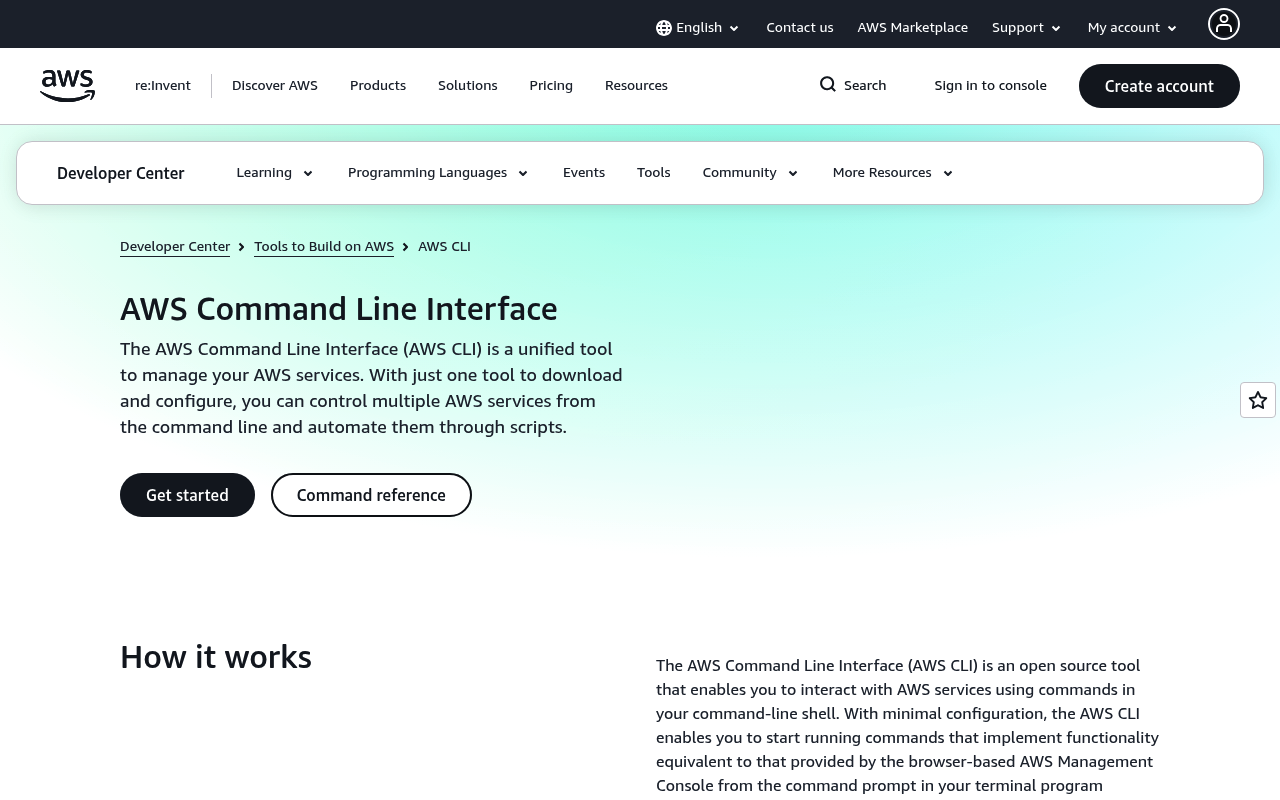
AWS CLI website screenshot

AWS CLI

The AWS Command Line Interface (AWS CLI) is a unified tool to manage AWS services from the command line. With just one tool to download and configure, you can control multiple AWS services and automate them through scripts. AWS CLI v2 supports all AWS services with auto-completion, AWS SSO, and improved performance. It is open-source, available on Linux, macOS, and Windows, and is the official CLI for Amazon Web Services.

1 APIs 10 Features
CLICloud ComputingCommand Line InterfaceDevOpsOpen Source

APIs

AWS CLI

The AWS CLI v2 is the official command-line interface for Amazon Web Services, providing unified access to all AWS services from the terminal with auto-completion, AWS SSO suppo...

Pricing Plans

Aws Cli Plans Pricing

3 plans

PLANS

Rate Limits

Aws Cli Rate Limits

5 limits

RATE LIMITS

FinOps

Features

Unified AWS Service Access

Control all AWS services from a single command-line tool with consistent syntax and output formatting.

Auto-Completion

Shell auto-completion for commands, subcommands, options, and resource names in bash, zsh, and fish.

AWS SSO Support

Native AWS IAM Identity Center (SSO) integration for credential management and multi-account access.

Output Formatting

Multiple output formats including JSON, YAML, text, and table, with JMESPath query filtering.

Credential Management

Supports named profiles, environment variables, instance metadata, and credential process plugins.

Wizard Commands

Interactive step-by-step wizards for complex workflows like IAM role creation and DynamoDB table setup.

Waiters

Built-in wait commands to poll until AWS resources reach desired states like running or available.

Pagination Control

Automatic pagination with configurable page size and support for --no-paginate and --page-size flags.

Streaming Output

Stream large binary outputs like EC2 console logs and Lambda function logs directly to stdout.

Plugin System

Extensible plugin architecture for adding custom commands and credential providers.

Use Cases

Infrastructure Automation

Automate AWS infrastructure provisioning, configuration, and teardown in CI/CD pipelines and scripts.

Multi-Account Management

Manage multiple AWS accounts and regions using named profiles and AWS Organizations.

Resource Querying

Query and filter AWS resource inventories with JMESPath expressions and output formatting.

Batch Operations

Process multiple AWS resources in bulk using shell scripting loops and CLI output piping.

Developer Workflows

Speed up development workflows with quick access to S3, Lambda, DynamoDB, and other services.

Resources

🔗
Website
Website
🔗
Documentation
Documentation
🚀
GettingStarted
GettingStarted
👥
GitHubRepository
GitHubRepository
👥
GitHubOrganization
GitHubOrganization
📄
ReleaseNotes
ReleaseNotes
📜
TermsOfService
TermsOfService
📜
PrivacyPolicy
PrivacyPolicy
💬
Support
Support
👥
StackOverflow
StackOverflow

Sources

apis.yml Raw ↑
aid: aws-cli
name: AWS CLI
description: The AWS Command Line Interface (AWS CLI) is a unified tool to manage AWS services from the command line. With
  just one tool to download and configure, you can control multiple AWS services and automate them through scripts. AWS CLI
  v2 supports all AWS services with auto-completion, AWS SSO, and improved performance. It is open-source, available on Linux,
  macOS, and Windows, and is the official CLI for Amazon Web Services.
type: Index
image: https://kinlane-images.s3.amazonaws.com/shared/apis-json/apis-json-logo.jpg
tags:
- AWS
- CLI
- Cloud Computing
- Command Line Interface
- DevOps
- Open Source
url: https://raw.githubusercontent.com/api-evangelist/aws-cli/refs/heads/main/apis.yml
created: '2026-03-25'
modified: '2026-04-19'
specificationVersion: '0.19'
apis:
- aid: aws-cli:aws-cli
  name: AWS CLI
  description: The AWS CLI v2 is the official command-line interface for Amazon Web Services, providing unified access to
    all AWS services from the terminal with auto-completion, AWS SSO support, and improved performance over v1.
  humanURL: https://aws.amazon.com/cli/
  tags:
  - AWS
  - CLI
  - Command Line Interface
  - DevOps
  - Open Source
  properties:
  - type: Documentation
    url: https://docs.aws.amazon.com/cli/latest/userguide/
  - type: GettingStarted
    url: https://docs.aws.amazon.com/cli/latest/userguide/getting-started-install.html
  - type: APIReference
    url: https://docs.aws.amazon.com/cli/latest/reference/
  - type: GitHubRepository
    url: https://github.com/aws/aws-cli
common:
- type: Website
  url: https://aws.amazon.com/cli/
- type: Documentation
  url: https://docs.aws.amazon.com/cli/
- type: GettingStarted
  url: https://docs.aws.amazon.com/cli/latest/userguide/getting-started-install.html
- type: GitHubRepository
  url: https://github.com/aws/aws-cli
- type: GitHubOrganization
  url: https://github.com/aws
- type: ReleaseNotes
  url: https://github.com/aws/aws-cli/blob/v2/CHANGELOG.rst
- type: TermsOfService
  url: https://aws.amazon.com/service-terms/
- type: PrivacyPolicy
  url: https://aws.amazon.com/privacy/
- type: Support
  url: https://github.com/aws/aws-cli/issues
- type: StackOverflow
  url: https://stackoverflow.com/questions/tagged/awscli
- type: Features
  data:
  - name: Unified AWS Service Access
    description: Control all AWS services from a single command-line tool with consistent syntax and output formatting.
  - name: Auto-Completion
    description: Shell auto-completion for commands, subcommands, options, and resource names in bash, zsh, and fish.
  - name: AWS SSO Support
    description: Native AWS IAM Identity Center (SSO) integration for credential management and multi-account access.
  - name: Output Formatting
    description: Multiple output formats including JSON, YAML, text, and table, with JMESPath query filtering.
  - name: Credential Management
    description: Supports named profiles, environment variables, instance metadata, and credential process plugins.
  - name: Wizard Commands
    description: Interactive step-by-step wizards for complex workflows like IAM role creation and DynamoDB table setup.
  - name: Waiters
    description: Built-in wait commands to poll until AWS resources reach desired states like running or available.
  - name: Pagination Control
    description: Automatic pagination with configurable page size and support for --no-paginate and --page-size flags.
  - name: Streaming Output
    description: Stream large binary outputs like EC2 console logs and Lambda function logs directly to stdout.
  - name: Plugin System
    description: Extensible plugin architecture for adding custom commands and credential providers.
- type: UseCases
  data:
  - name: Infrastructure Automation
    description: Automate AWS infrastructure provisioning, configuration, and teardown in CI/CD pipelines and scripts.
  - name: Multi-Account Management
    description: Manage multiple AWS accounts and regions using named profiles and AWS Organizations.
  - name: Resource Querying
    description: Query and filter AWS resource inventories with JMESPath expressions and output formatting.
  - name: Batch Operations
    description: Process multiple AWS resources in bulk using shell scripting loops and CLI output piping.
  - name: Developer Workflows
    description: Speed up development workflows with quick access to S3, Lambda, DynamoDB, and other services.
- type: Integrations
  data:
  - name: AWS IAM Identity Center
    description: Native SSO integration for credential vending and multi-account access management.
  - name: AWS CloudShell
    description: Pre-installed in AWS CloudShell for browser-based CLI access without local installation.
  - name: AWS CodeBuild
    description: Available in CodeBuild build environments for CI/CD pipeline automation.
  - name: GitHub Actions
    description: Used in GitHub Actions workflows via the configure-aws-credentials action.
  - name: Homebrew
    description: Installable via Homebrew on macOS for easy installation and updates.
  - name: Windows Package Manager
    description: Available via winget for installation on Windows systems.
- type: Integrations
  url: https://aws.amazon.com/marketplace
integrations:
- name: Sign in
- name: Agent Mode
- name: Why AWS Marketplace?
- name: Get started in AWS Marketplace
- name: Industry
- name: Resources
- name: Become a Channel Partner
- name: Sell in AWS Marketplace
- name: Manage Your Account
maintainers:
- FN: Kin Lane
  email: kin@apievangelist.com
