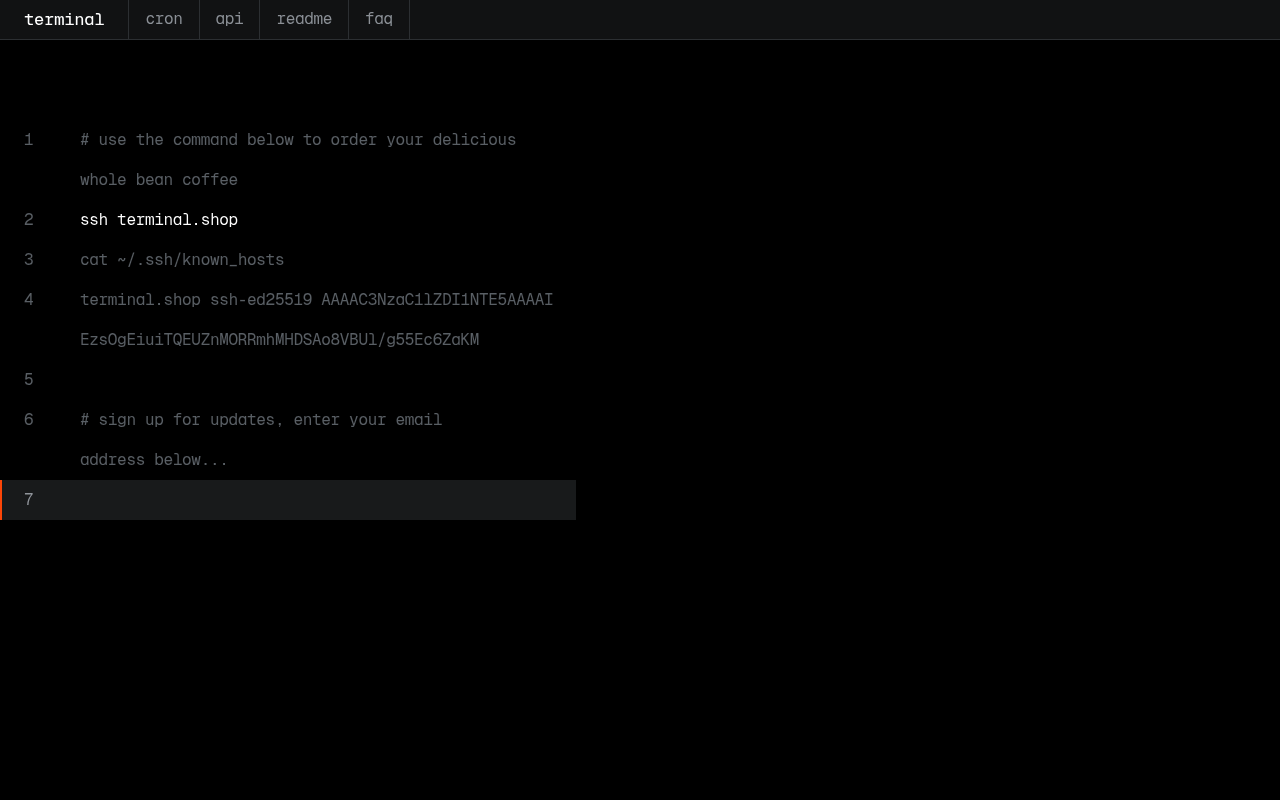
Terminal website screenshot

Terminal

Terminal is a developer-focused coffee company with an API-first, SSH-first ordering experience. The Terminal Shop API is a public REST API (Bearer token) for browsing coffee products, managing carts, placing orders, running subscriptions, and handling addresses, cards, and profiles - the same surface that powers the famous `ssh terminal.shop` storefront.

7 APIs 0 Features
CoffeeE-CommerceDeveloperSSHOrdering

APIs

Terminal Products API

Lists Terminal's coffee products and their purchasable variants, with pricing (in cents), market availability, and subscription eligibility.

Terminal Cart API

Manages the current user's cart - set item quantities, attach a shipping address and card, clear the cart, and convert it into an order at checkout.

Terminal Orders API

Creates orders directly (bypassing the cart), lists past orders, and retrieves a single order with amounts, line items, shipping, and carrier tracking.

Terminal Subscriptions API

Creates and manages recurring coffee subscriptions on fixed or weekly schedules, tied to a product variant, address, and card.

Terminal Addresses & Cards API

Manages saved shipping addresses and Stripe-tokenized payment cards for the current user, including a hosted card-collection flow.

Terminal Profile API

Reads and updates the current user's profile (name and email) and surfaces a single aggregate view of all account state via /view/init.

Terminal Tokens & Apps API

Manages personal access tokens used as Bearer credentials and registers OAuth apps (client ID/secret and redirect URI) for third-party integrations.

Collections

Pricing Plans

Rate Limits

Terminal Shop Rate Limits

2 limits

RATE LIMITS

FinOps

Resources

👥
GitHubOrganization
GitHubOrganization
🔗
LinkedIn
LinkedIn
🔗
Website
Website
🔗
Documentation
Documentation
🔗
Plans
Plans
🔗
RateLimits
RateLimits
🔗
FinOps
FinOps

Sources

Raw ↑
opencollection: 1.0.0
info:
  name: Terminal Shop API
  version: '1.0'
request:
  auth:
    type: bearer
    token: '{{bearerToken}}'
items:
- info:
    name: Product
    type: folder
  items:
  - info:
      name: List all products
      type: http
    http:
      method: GET
      url: https://api.terminal.shop/product
    docs: List all products for sale in the Terminal shop.
  - info:
      name: Get product
      type: http
    http:
      method: GET
      url: https://api.terminal.shop/product/{id}
    docs: Get a product by ID from the Terminal shop.
- info:
    name: Cart
    type: folder
  items:
  - info:
      name: Get cart
      type: http
    http:
      method: GET
      url: https://api.terminal.shop/cart
    docs: Get the current user's cart.
  - info:
      name: Clear cart
      type: http
    http:
      method: DELETE
      url: https://api.terminal.shop/cart
    docs: Clear the current user's cart.
  - info:
      name: Add or update cart item
      type: http
    http:
      method: PUT
      url: https://api.terminal.shop/cart/item
      body:
        type: json
        data: '{"productVariantID": "var_XXXX", "quantity": 1}'
    docs: Add an item to the cart or update its quantity.
  - info:
      name: Set cart shipping address
      type: http
    http:
      method: PUT
      url: https://api.terminal.shop/cart/address
      body:
        type: json
        data: '{"addressID": "shp_XXXX"}'
    docs: Set the shipping address for the cart.
  - info:
      name: Set cart payment card
      type: http
    http:
      method: PUT
      url: https://api.terminal.shop/cart/card
      body:
        type: json
        data: '{"cardID": "crd_XXXX"}'
    docs: Set the payment card for the cart.
  - info:
      name: Convert cart to order
      type: http
    http:
      method: POST
      url: https://api.terminal.shop/cart/convert
    docs: Convert the cart to an order and place it.
- info:
    name: Order
    type: folder
  items:
  - info:
      name: List orders
      type: http
    http:
      method: GET
      url: https://api.terminal.shop/order
    docs: List the orders associated with the current user.
  - info:
      name: Create order
      type: http
    http:
      method: POST
      url: https://api.terminal.shop/order
      body:
        type: json
        data: '{"addressID": "shp_XXXX", "cardID": "crd_XXXX", "variants": {"var_XXXX": 1}}'
    docs: Create an order without a cart; placed immediately.
  - info:
      name: Get order
      type: http
    http:
      method: GET
      url: https://api.terminal.shop/order/{id}
    docs: Get the order with the given ID.
- info:
    name: Subscription
    type: folder
  items:
  - info:
      name: List subscriptions
      type: http
    http:
      method: GET
      url: https://api.terminal.shop/subscription
    docs: List the subscriptions associated with the current user.
  - info:
      name: Create subscription
      type: http
    http:
      method: POST
      url: https://api.terminal.shop/subscription
      body:
        type: json
        data: '{"productVariantID": "var_XXXX", "quantity": 1, "addressID": "shp_XXXX", "cardID": "crd_XXXX", "schedule":
          {"type": "weekly", "interval": 2}}'
    docs: Create a subscription for the current user.
  - info:
      name: Get subscription
      type: http
    http:
      method: GET
      url: https://api.terminal.shop/subscription/{id}
    docs: Get the subscription with the given ID.
  - info:
      name: Update subscription
      type: http
    http:
      method: PUT
      url: https://api.terminal.shop/subscription/{id}
      body:
        type: json
        data: '{"addressID": "shp_XXXX", "cardID": "crd_XXXX", "schedule": {"type": "weekly", "interval": 2}}'
    docs: Update the subscription with the given ID.
  - info:
      name: Cancel subscription
      type: http
    http:
      method: DELETE
      url: https://api.terminal.shop/subscription/{id}
    docs: Cancel the subscription with the given ID.
- info:
    name: Address
    type: folder
  items:
  - info:
      name: List addresses
      type: http
    http:
      method: GET
      url: https://api.terminal.shop/address
    docs: Get the shipping addresses for the current user.
  - info:
      name: Create address
      type: http
    http:
      method: POST
      url: https://api.terminal.shop/address
      body:
        type: json
        data: '{"name": "John Doe", "street1": "1 Main St", "city": "Austin", "province": "TX", "zip": "78701", "country":
          "US"}'
    docs: Create and add a shipping address to the current user.
  - info:
      name: Get address
      type: http
    http:
      method: GET
      url: https://api.terminal.shop/address/{id}
    docs: Get the shipping address with the given ID.
  - info:
      name: Delete address
      type: http
    http:
      method: DELETE
      url: https://api.terminal.shop/address/{id}
    docs: Delete a shipping address from the current user.
- info:
    name: Card
    type: folder
  items:
  - info:
      name: List cards
      type: http
    http:
      method: GET
      url: https://api.terminal.shop/card
    docs: List the credit cards for the current user.
  - info:
      name: Create card
      type: http
    http:
      method: POST
      url: https://api.terminal.shop/card
      body:
        type: json
        data: '{"token": "tok_XXXX"}'
    docs: Attach a credit card (Stripe token) to the current user.
  - info:
      name: Collect card
      type: http
    http:
      method: POST
      url: https://api.terminal.shop/card/collect
    docs: Create a temporary Stripe-hosted card-collection URL.
  - info:
      name: Get card
      type: http
    http:
      method: GET
      url: https://api.terminal.shop/card/{id}
    docs: Get the credit card with the given ID.
  - info:
      name: Delete card
      type: http
    http:
      method: DELETE
      url: https://api.terminal.shop/card/{id}
    docs: Delete a credit card associated with the current user.
- info:
    name: Profile
    type: folder
  items:
  - info:
      name: Get profile
      type: http
    http:
      method: GET
      url: https://api.terminal.shop/profile
    docs: Get the current user's profile.
  - info:
      name: Update profile
      type: http
    http:
      method: PUT
      url: https://api.terminal.shop/profile
      body:
        type: json
        data: '{"name": "John Doe", "email": "john@example.com"}'
    docs: Update the current user's name and email.
- info:
    name: Token
    type: folder
  items:
  - info:
      name: List tokens
      type: http
    http:
      method: GET
      url: https://api.terminal.shop/token
    docs: List the personal access tokens for the current user.
  - info:
      name: Create token
      type: http
    http:
      method: POST
      url: https://api.terminal.shop/token
    docs: Create a personal access token.
  - info:
      name: Get token
      type: http
    http:
      method: GET
      url: https://api.terminal.shop/token/{id}
    docs: Get the personal access token with the given ID.
  - info:
      name: Delete token
      type: http
    http:
      method: DELETE
      url: https://api.terminal.shop/token/{id}
    docs: Delete the personal access token with the given ID.
- info:
    name: App
    type: folder
  items:
  - info:
      name: List apps
      type: http
    http:
      method: GET
      url: https://api.terminal.shop/app
    docs: List the OAuth apps for the current user.
  - info:
      name: Create app
      type: http
    http:
      method: POST
      url: https://api.terminal.shop/app
      body:
        type: json
        data: '{"name": "My App", "redirectURI": "https://example.com/callback"}'
    docs: Create an OAuth app.
  - info:
      name: Get app
      type: http
    http:
      method: GET
      url: https://api.terminal.shop/app/{id}
    docs: Get the OAuth app with the given ID.
  - info:
      name: Delete app
      type: http
    http:
      method: DELETE
      url: https://api.terminal.shop/app/{id}
    docs: Delete the OAuth app with the given ID.
- info:
    name: Email
    type: folder
  items:
  - info:
      name: Subscribe email
      type: http
    http:
      method: POST
      url: https://api.terminal.shop/email
      body:
        type: json
        data: '{"email": "john@example.com"}'
    docs: Subscribe to email updates from Terminal.
- info:
    name: View
    type: folder
  items:
  - info:
      name: Get app data
      type: http
    http:
      method: GET
      url: https://api.terminal.shop/view/init
    docs: Get all data needed to render the storefront app.
bundled: true