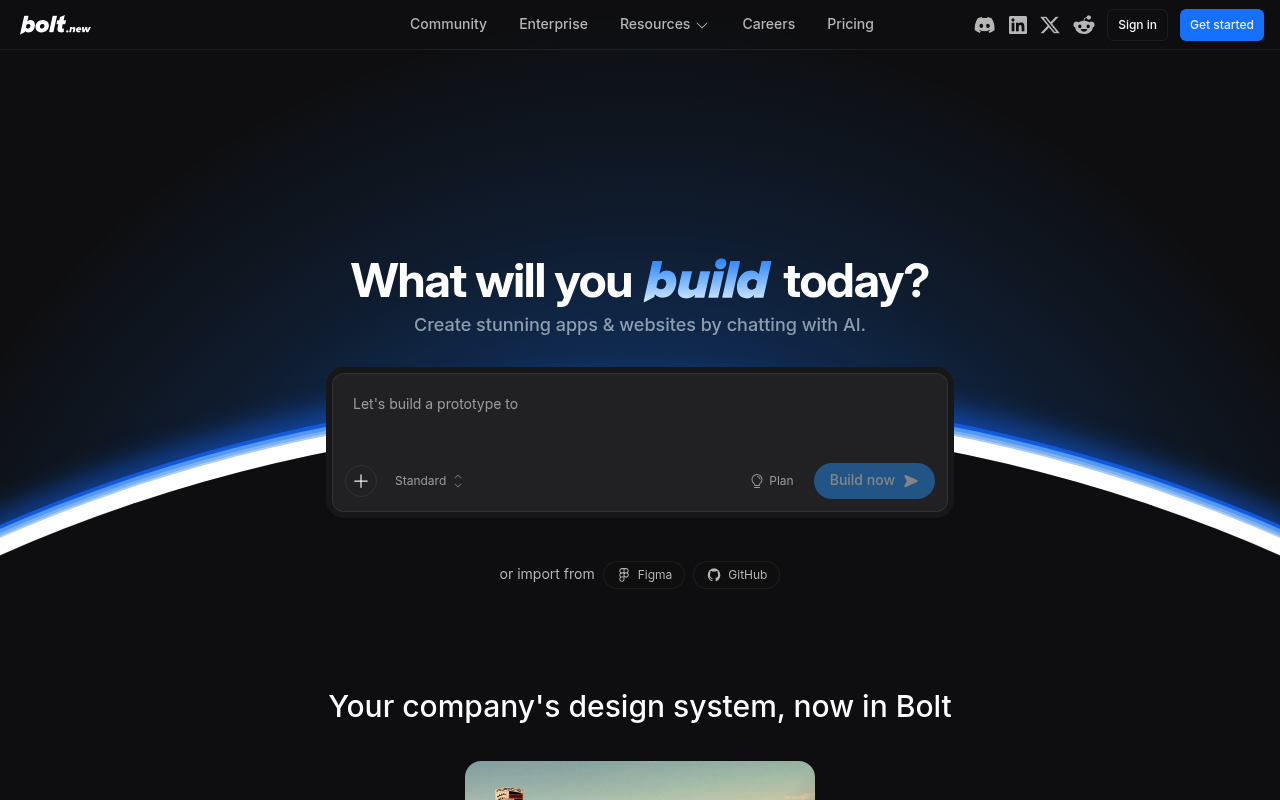
Bolt.new
Bolt.new is StackBlitz's in-browser AI full-stack app builder. From a natural language prompt it generates, edits, runs, and deploys complete web applications inside the user's browser tab using StackBlitz's WebContainer runtime — a WebAssembly-based Node.js operating system that boots a real filesystem, npm/pnpm/yarn package manager, terminal, and live preview without a remote VM. The product targets product managers, entrepreneurs, marketers, agencies, and non-engineer builders with conversational app creation, design-system import from Figma and component libraries (Material UI, Chakra UI, Shadcn/ui), built-in database and authentication, one-click deploy to Netlify or bolt.host, custom domains, GitHub version control, and integrations with Supabase, Stripe, Expo, and MCP servers. Bolt.new itself is a hosted, UI-driven product metered in monthly AI tokens with Free, Pro, Teams, and Enterprise tiers — there is no public REST/HTTP developer API or CLI. StackBlitz separately ships the WebContainer API as a JavaScript/TypeScript SDK (npm @webcontainer/api) for embedding the same in-browser dev environment in third-party sites, plus a StackBlitz SDK (@stackblitz/sdk) for programmatically opening projects. The Bolt.new reference codebase is open source under MIT at github.com/stackblitz/bolt.new as a foundation for building custom AI dev agents; the hosted commercial product is closed source.
Bolt.new is profiled on the APIs.io network. Tagged areas include Artificial Intelligence, AI App Builder, No-Code, Low-Code, and Full-Stack.
Bolt.new’s developer surface includes documentation, pricing, signup flow, YouTube channel, engineering blog, and 22 more developer resources.
Kin Score
 Kin Score
How this is scored →
Kin Score
How this is scored →scored 2026-10-17 · rubric v0.24.0
MCP Servers 1
Model Context Protocol servers that expose these APIs to AI agents.
Pricing Plans 1
Published pricing tiers and plan structures.
Rate Limits 1
Documented rate limits and quota policies.
Bolt New Rate Limits
RATE LIMITSFinOps 1
Cost, billing, and metering signals for API financial operations.
Bolt New Finops
FINOPSSecurity Posture 2
Authentication, domain security, vulnerability disclosure, and trust-center signals.
Resources
Get Started 1
Portal, sign-up, and the first successful call
Documentation 1
Reference material describing how the API behaves
Agent Surfaces 1
MCP servers, agent skills, and machine-readable catalogs
Build 3
SDKs, sample code, and the tooling you integrate with
Access & Security 2
Authentication, authorization, and security posture
Learn 2
Tutorials, courses, talks, and written guidance
Operate 2
Status, limits, changes, and where to get help
Commercial 3
Pricing, plans, and the legal terms of use
Company 5
The organization behind the API
Other 7
Properties that don't map to a standard resource type
Scroll for all 7
Source (apis.yml)
Work with this as data
Every provider here is available over the APIs.io API and to AI agents over MCP.