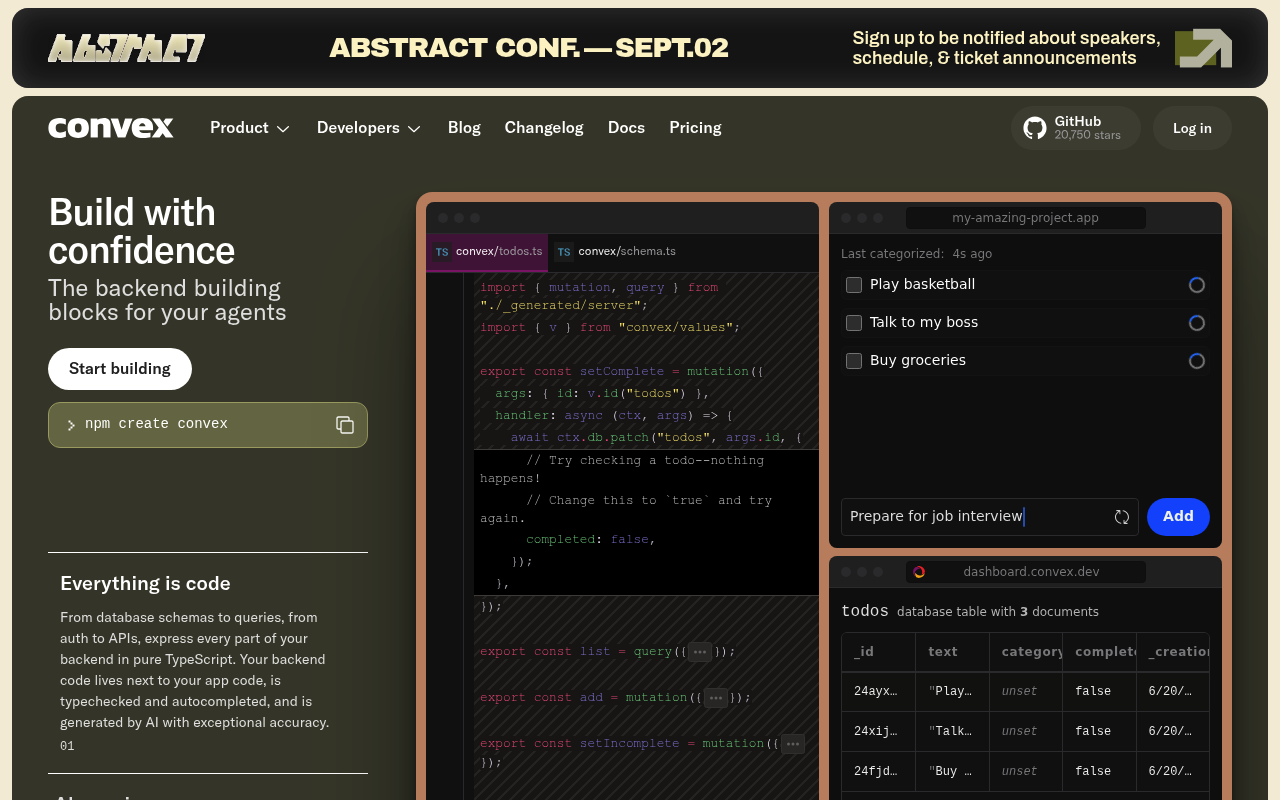
Convex website screenshot

Convex

Convex is a serverless backend platform that provides a real-time database, cloud functions, and infrastructure for building modern web and mobile applications. It offers a TypeScript-first developer experience with reactive queries, transactional mutations, and integrated file storage, all accessible through a suite of HTTP, management, and deployment APIs alongside JavaScript and server SDKs for full-stack application development. The platform is SOC 2 Type II, HIPAA, and GDPR compliant.

6 APIs 0 Features
BackendDatabaseFunctionsReal-TimeReactiveServerlessTypeScript

APIs

Convex HTTP API

The Convex HTTP API is a REST interface for executing backend functions deployed on a Convex backend. It provides endpoints for invoking query, mutation, and action functions us...

Convex Management API

The Convex Management API is a REST API for provisioning and managing Convex projects and deployments programmatically. It enables developers and platform integrations to create...

Convex Deployment Platform API

The Convex Deployment Platform API is a deployment-scoped administrative API for configuring individual Convex deployments. It exposes private endpoints accessible only to deplo...

Convex Sync Protocol

The Convex Sync Protocol is the bidirectional WebSocket protocol spoken between Convex client SDKs and the sync worker of a Convex deployment. Clients open a single WebSocket co...

Convex JavaScript SDK

The Convex JavaScript SDK is a collection of TypeScript/JavaScript packages for building applications on the Convex backend platform. It includes convex/server for defining back...

Convex Server SDK

The Convex Server SDK (convex/server) is the TypeScript library for defining backend logic deployed on Convex. It provides primitives for writing query functions for read-only d...

Collections

Pricing Plans

Convex Plans Pricing

3 plans

PLANS

Rate Limits

Convex Rate Limits

28 limits

RATE LIMITS

FinOps

Convex Finops

FINOPS

Event Specifications

Convex Sync Protocol

AsyncAPI description of the Convex WebSocket sync protocol used between Convex client SDKs (browser/Node/React/React Native) and a Convex deployment's sync worker. The client op...

ASYNCAPI

Semantic Vocabularies

Convex Context

0 classes · 10 properties

JSON-LD

API Governance Rules

Convex API Rules

5 rules · 3 errors 2 warnings

SPECTRAL

Convex API Rules

7 rules · 4 errors 3 warnings

SPECTRAL

Convex API Rules

7 rules · 4 errors 3 warnings

SPECTRAL

JSON Structure

Convex Structure

0 properties

JSON STRUCTURE

Resources

🔗
LinkedIn
LinkedIn
🌐
Portal
Portal
🔗
Documentation
Documentation
🔗
Website
Website
🔗
Login
Login
📰
Blog
Blog
👥
GitHub
GitHub
🔗
Discord
Discord
📜
TermsOfService
TermsOfService
📜
PrivacyPolicy
PrivacyPolicy
🔗
JSONSchema
JSONSchema
🔗
JSONSchema
JSONSchema
🔗
JSONLD
JSONLD
🔗
Vocabulary
Vocabulary
🔗
MCPServer
MCPServer
🔗
LlmsText
LlmsText

Sources

Raw ↑
opencollection: 1.0.0
info:
  name: Convex Management API
  version: v1
request:
  auth:
    type: bearer
    token: '{{bearerToken}}'
items:
- info:
    name: Projects
    type: folder
  items:
  - info:
      name: Create a new project
      type: http
    http:
      method: POST
      url: https://api.convex.dev/v1/teams/:team_id/create_project
      params:
      - name: team_id
        value: ''
        type: path
        description: The integer identifier of the Convex team. Available in the Convex dashboard when creating Team Access
          Tokens.
      body:
        type: json
        data: '{}'
    docs: Provisions a new Convex project within the specified team. Optionally creates an initial production deployment in
      the specified cloud region and deployment class. Returns the new project's ID and slug along with details of any provisioned
      deployment.
  - info:
      name: List projects in a team
      type: http
    http:
      method: GET
      url: https://api.convex.dev/v1/teams/:team_id/list_projects
      params:
      - name: team_id
        value: ''
        type: path
        description: The integer identifier of the Convex team. Available in the Convex dashboard when creating Team Access
          Tokens.
    docs: Returns all Convex projects belonging to the specified team. Each project entry includes its ID, slug, name, and
      associated deployment information. Useful for enumerating resources available to the authenticated token holder.
  - info:
      name: Get a project by ID
      type: http
    http:
      method: GET
      url: https://api.convex.dev/v1/projects/:project_id
      params:
      - name: project_id
        value: ''
        type: path
        description: The integer identifier of the Convex project. Obtainable via the List Projects endpoint or assigned during
          project creation.
    docs: Retrieves details for a specific Convex project identified by its integer project ID. Returns the project's name,
      slug, team association, and deployment summary.
  - info:
      name: Get a project by team and project slug
      type: http
    http:
      method: GET
      url: https://api.convex.dev/v1/teams/:team_id_or_slug/projects/:project_slug
      params:
      - name: team_id_or_slug
        value: ''
        type: path
        description: Either the integer team ID or the human-readable team slug.
      - name: project_slug
        value: ''
        type: path
        description: The human-readable slug of the project within the team.
    docs: Retrieves a project by its human-readable slug within a team identified by either team ID or team slug. This is
      useful when project identifiers are stored as slugs rather than integer IDs.
  - info:
      name: Delete a project
      type: http
    http:
      method: POST
      url: https://api.convex.dev/v1/projects/:project_id/delete
      params:
      - name: project_id
        value: ''
        type: path
        description: The integer identifier of the Convex project. Obtainable via the List Projects endpoint or assigned during
          project creation.
    docs: Permanently deletes a Convex project and all associated deployments. This operation is irreversible. All deployments
      within the project are also deleted, and all associated resources (functions, data, files) are permanently removed.
- info:
    name: Deployments
    type: folder
  items:
  - info:
      name: Create a cloud deployment
      type: http
    http:
      method: POST
      url: https://api.convex.dev/v1/projects/:project_id/deployments/create_cloud
      params:
      - name: project_id
        value: ''
        type: path
        description: The integer identifier of the Convex project. Obtainable via the List Projects endpoint or assigned during
          project creation.
      body:
        type: json
        data: '{}'
    docs: Creates a new cloud deployment within a project in the specified region and deployment class. Cloud deployments
      run on Convex-managed infrastructure and are accessible via a public URL. Supports dev, prod, preview, and custom deployment
      types.
  - info:
      name: List deployments in a project
      type: http
    http:
      method: GET
      url: https://api.convex.dev/v1/projects/:project_id/deployments/list
      params:
      - name: project_id
        value: ''
        type: path
        description: The integer identifier of the Convex project. Obtainable via the List Projects endpoint or assigned during
          project creation.
    docs: Returns all deployments associated with a Convex project. Each deployment entry includes its ID, name, deployment
      URL, type (dev, prod, preview, custom), status, region, and class.
  - info:
      name: Get a deployment by name
      type: http
    http:
      method: GET
      url: https://api.convex.dev/v1/deployments/:deployment_name
      params:
      - name: deployment_name
        value: ''
        type: path
        description: The unique name of the deployment (e.g. "happy-otter-123"). This is the subdomain portion of the deployment
          URL at convex.cloud.
    docs: Retrieves details for a specific deployment identified by its name (e.g. "happy-otter-123"). Returns the deployment
      URL, type, status, region, class, and associated project information.
  - info:
      name: Delete a deployment
      type: http
    http:
      method: POST
      url: https://api.convex.dev/v1/deployments/:deployment_name/delete
      params:
      - name: deployment_name
        value: ''
        type: path
        description: The unique name of the deployment (e.g. "happy-otter-123"). This is the subdomain portion of the deployment
          URL at convex.cloud.
    docs: Permanently deletes a Convex deployment. All deployed functions, database data, and file storage associated with
      the deployment are permanently removed. This operation is irreversible.
  - info:
      name: Get default production deployment
      type: http
    http:
      method: GET
      url: https://api.convex.dev/v1/projects/:project_id/deployment/default_prod
      params:
      - name: project_id
        value: ''
        type: path
        description: The integer identifier of the Convex project. Obtainable via the List Projects endpoint or assigned during
          project creation.
    docs: Retrieves the default production deployment for a project. Most projects have a single production deployment designated
      as the default. Returns full deployment details including URL, region, class, and status.
- info:
    name: DeployKeys
    type: folder
  items:
  - info:
      name: Create a deploy key
      type: http
    http:
      method: POST
      url: https://api.convex.dev/v1/projects/:project_id/deployments/create_deploy_key
      params:
      - name: project_id
        value: ''
        type: path
        description: The integer identifier of the Convex project. Obtainable via the List Projects endpoint or assigned during
          project creation.
      body:
        type: json
        data: '{}'
    docs: Creates a new deploy key for a project, scoped to a specific deployment. Deploy keys are used by the Convex CLI
      and CI/CD pipelines to push function code to deployments. Keys can be standard or preview keys for Vercel-style preview
      deployments.
  - info:
      name: List deploy keys for a project
      type: http
    http:
      method: GET
      url: https://api.convex.dev/v1/projects/:project_id/deployment/deploy_key/list
      params:
      - name: project_id
        value: ''
        type: path
        description: The integer identifier of the Convex project. Obtainable via the List Projects endpoint or assigned during
          project creation.
    docs: Returns all deploy keys associated with a Convex project. Includes key names, creation dates, and the deployment
      each key is scoped to. Key values are not returned after initial creation.
- info:
    name: CustomDomains
    type: folder
  items:
  - info:
      name: Create a custom domain
      type: http
    http:
      method: POST
      url: https://api.convex.dev/v1/deployments/:deployment_name/custom_domains/create
      params:
      - name: deployment_name
        value: ''
        type: path
        description: The unique name of the deployment (e.g. "happy-otter-123"). This is the subdomain portion of the deployment
          URL at convex.cloud.
      body:
        type: json
        data: '{}'
    docs: 'Associates a custom domain with a Convex deployment. Supports two request destination types: convexCloud for routing
      to the function API (queries, mutations, actions), and convexSite for routing to HTTP action endpoints. Domain verification
      and DNS configuration is handled separately.'
  - info:
      name: List custom domains for a deployment
      type: http
    http:
      method: GET
      url: https://api.convex.dev/v1/deployments/:deployment_name/custom_domains/list
      params:
      - name: deployment_name
        value: ''
        type: path
        description: The unique name of the deployment (e.g. "happy-otter-123"). This is the subdomain portion of the deployment
          URL at convex.cloud.
    docs: Returns all custom domains configured for a deployment. Each entry includes the domain name, request destination
      type, and verification status.
  - info:
      name: Delete a custom domain
      type: http
    http:
      method: POST
      url: https://api.convex.dev/v1/deployments/:deployment_name/custom_domains/delete
      params:
      - name: deployment_name
        value: ''
        type: path
        description: The unique name of the deployment (e.g. "happy-otter-123"). This is the subdomain portion of the deployment
          URL at convex.cloud.
      body:
        type: json
        data: '{}'
    docs: Removes a custom domain association from a Convex deployment. After deletion, traffic to the domain will no longer
      be routed to the deployment. DNS records should be removed separately.
- info:
    name: Teams
    type: folder
  items:
  - info:
      name: List team members
      type: http
    http:
      method: GET
      url: https://api.convex.dev/v1/teams/:team_id/members
      params:
      - name: team_id
        value: ''
        type: path
        description: The integer identifier of the Convex team. Available in the Convex dashboard when creating Team Access
          Tokens.
    docs: Returns all members of the specified team along with their roles. Roles include admin (full management access) and
      developer (standard access). Useful for auditing team membership and access levels.
- info:
    name: AccessTokens
    type: folder
  items:
  - info:
      name: Create a team access token
      type: http
    http:
      method: POST
      url: https://api.convex.dev/v1/teams/:team_id/create_access_token
      params:
      - name: team_id
        value: ''
        type: path
        description: The integer identifier of the Convex team. Available in the Convex dashboard when creating Team Access
          Tokens.
      body:
        type: json
        data: '{}'
    docs: Creates a new Team Access Token for the specified team. Team Access Tokens are used to authenticate Management API
      requests and grant access to all projects and deployments within the team. The token value is only returned at creation
      time and should be stored securely.
bundled: true