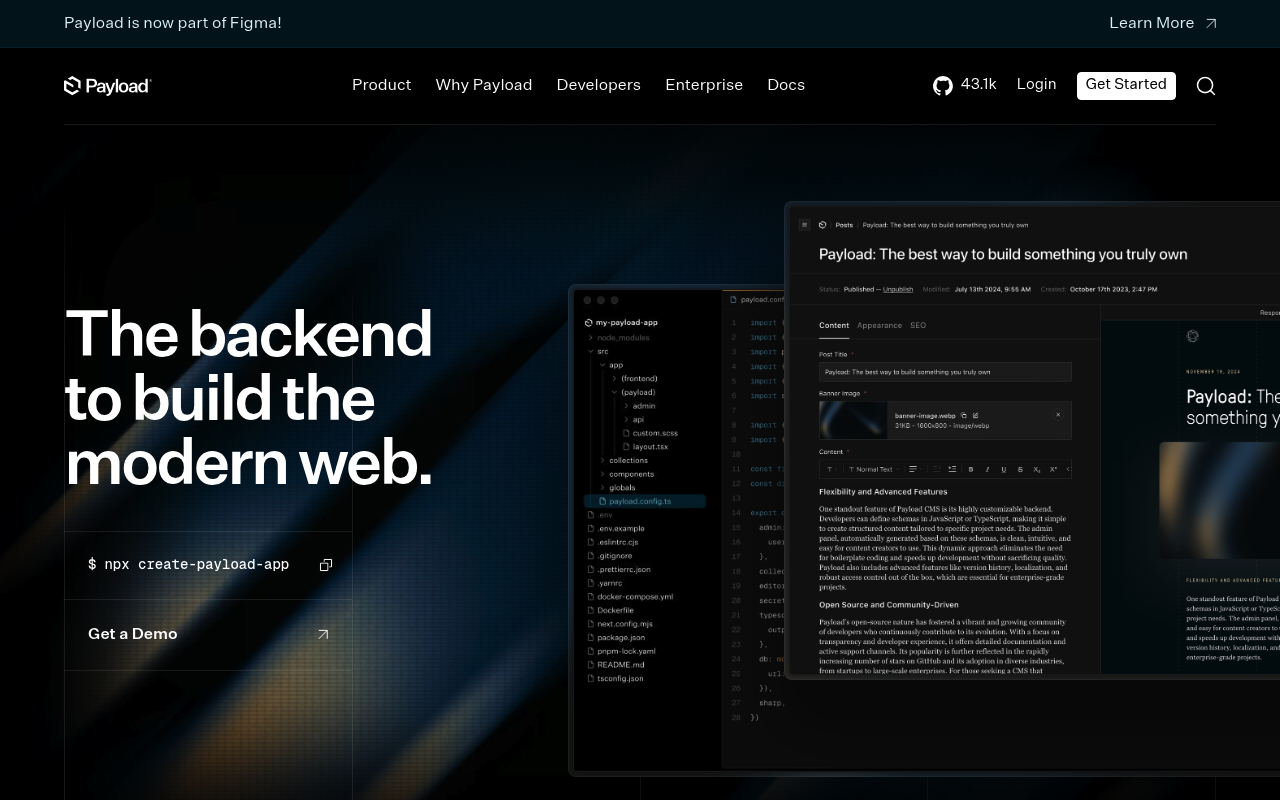
Payload CMS
Open-source headless CMS and fullstack Next.js framework providing automatic REST and GraphQL APIs for managing collections, globals, media, users, and custom fields in self-hosted or cloud deployments.
Payload CMS publishes 8 APIs on the APIs.io network, including Authentication API, Collections API, Globals API, and 5 more. Tagged areas include Headless CMS, Content Management, REST API, GraphQL, and Next.js.
Payload CMS’s developer surface includes documentation, engineering blog, pricing, and 10 more developer resources.
Kin Score
 Kin Score
How this is scored →
Kin Score
How this is scored →scored 2026-10-04 · rubric v0.23.0
APIs 8
Individual APIs this provider publishes, each with its own machine-readable definition.
Payload CMS REST API
Auto-generated RESTful API for managing collections, globals, media uploads, users, and preferences. Mounted at /api/{collection-slug} with full CRUD operations plus authenticat...
Payload CMS GraphQL API
Fully featured GraphQL API exposed at /api/graphql with auto-generated types for all collections and globals. Includes a GraphQL Playground at /api/graphql-playground and suppor...
Payload CMS Local API
Server-side Node.js API for direct database interaction without HTTP overhead. Supports all collection and global operations including authentication, ideal for React Server Com...
Payload
Payload is a TypeScript-first headless CMS and application framework that automatically generates REST, GraphQL, and Local APIs from collection schemas, with built-in authentica...
Payload CMS Authentication API
The Authentication API from Payload CMS — 8 operation(s) for authentication.
Payload CMS Collections API
The Collections API from Payload CMS — 3 operation(s) for collections.
Payload CMS Globals API
The Globals API from Payload CMS — 1 operation(s) for globals.
Payload CMS Preferences API
The Preferences API from Payload CMS — 1 operation(s) for preferences.
Scroll for all 8
GraphQL 1
GraphQL schemas published by this provider.
Payload CMS GraphQL API
Payload CMS ships a fully featured GraphQL API generated automatically from your collection and global configurations. Every collection defined in your Payload config produces a...
GRAPHQLPricing Plans 1
Published pricing tiers and plan structures.
Rate Limits 1
Documented rate limits and quota policies.
Payloadcms Rate Limits
RATE LIMITSFinOps 1
Cost, billing, and metering signals for API financial operations.
Payloadcms Finops
FINOPSSecurity Posture 1
Authentication, domain security, vulnerability disclosure, and trust-center signals.
Resources
Documentation 2
Reference material describing how the API behaves
Build 1
SDKs, sample code, and the tooling you integrate with
Access & Security 1
Authentication, authorization, and security posture
Operate 1
Status, limits, changes, and where to get help
Commercial 3
Pricing, plans, and the legal terms of use
Company 4
The organization behind the API
Other 1
Properties that don't map to a standard resource type
Source (apis.yml)
Work with this as data
Every provider here is available over the APIs.io API and to AI agents over MCP.