LogRocket
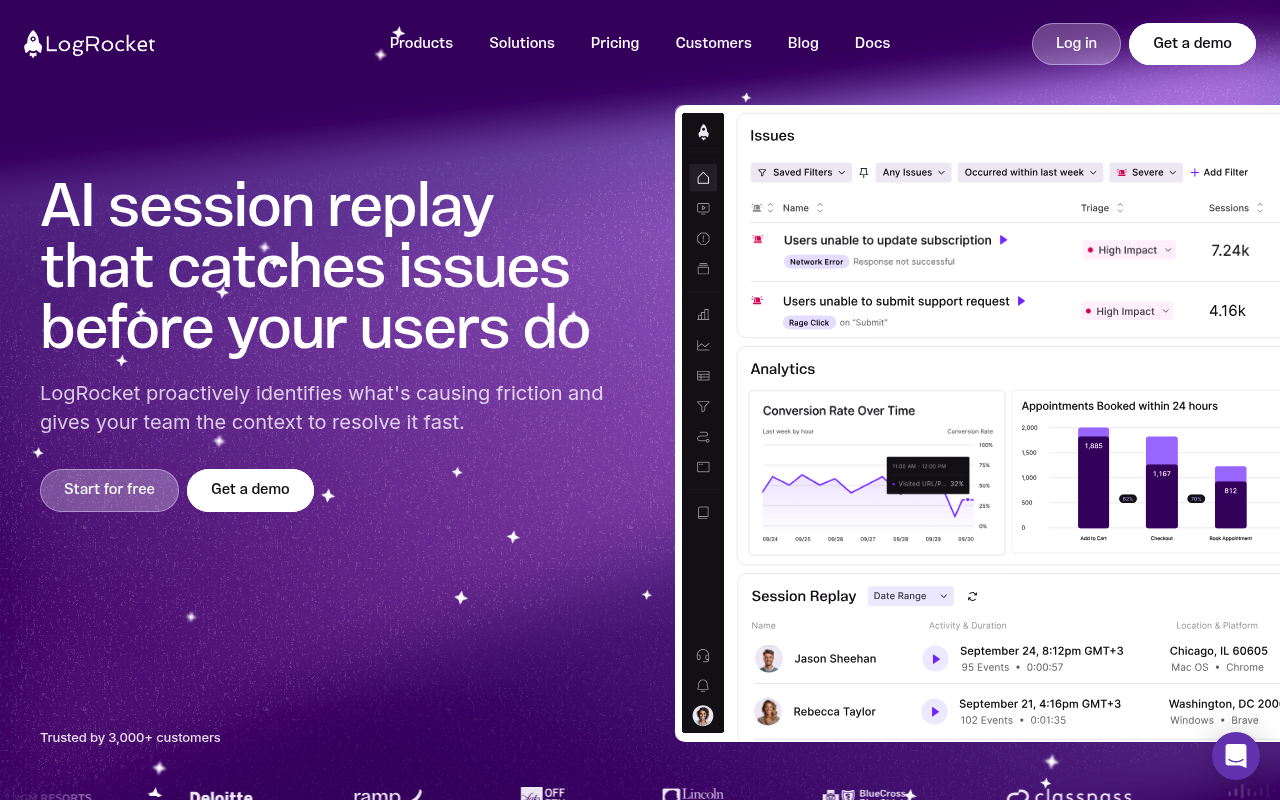
LogRocket is a session replay, product analytics, and frontend monitoring platform that captures user sessions, errors, and performance data.
LogRocket publishes 4 API contracts indexed on the APIs.io network, including Data Export API, Highlights API, Users API, and 1 more. Tagged areas include Session Replay, Product Analytics, Frontend Monitoring, Logging, and Errors.
The LogRocket catalog on APIs.io includes 1 event-driven AsyncAPI specification, 1 JSON-LD context, and 2 Spectral governance rulesets.
LogRocket’s developer surface includes authentication, documentation, engineering blog, and 10 more developer resources.
Kin Score
 Kin Score
How this is scored →
Kin Score
How this is scored →scored 2026-10-17 · rubric v0.24.0
APIs 4
Individual APIs this provider publishes, each with its own machine-readable definition.
LogRocket Data Export API
Retrieve exported session data files from storage buckets.
LogRocket Highlights API
Access Galileo AI-generated session highlights and summaries.
LogRocket Users API
Manage user identification and traits for session context.
LogRocket Graph QL API
GraphQL endpoint for querying session replay and analytics data.
Open Collections 6
Open, tool-agnostic API collections (OpenAPI-derived and Bruno).
API Collection
OPEN COLLECTIONLogRocket GraphQL Data Export API
OPEN COLLECTIONLogRocket Data Export GraphQL API
OPEN COLLECTIONLogRocket GraphQL Data Export Highlights API
OPEN COLLECTIONLogRocket REST API
OPEN COLLECTIONLogRocket GraphQL Data Export Users API
OPEN COLLECTIONMCP Servers 1
Model Context Protocol servers that expose these APIs to AI agents.
GraphQL 1
GraphQL schemas published by this provider.
LogRocket GraphQL API
LogRocket GraphQL API for querying session, event, error, and analytics data with flexible field selection.
GRAPHQLPricing Plans 1
Published pricing tiers and plan structures.
Rate Limits 1
Documented rate limits and quota policies.
Logrocket Rate Limits
RATE LIMITSFinOps 1
Cost, billing, and metering signals for API financial operations.
Logrocket Finops
FINOPSEvent Specifications 1
AsyncAPI definitions for this provider's event-driven and streaming APIs.
LogRocket Galileo Highlights Webhook
The LogRocket Galileo Highlights webhook delivers AI-generated session highlights to a customer-specified URL when processing completes. When a highlights request includes a web...
ASYNCAPISemantic Vocabularies 1
JSON-LD contexts and semantic vocabularies used across these APIs.
Logrocket Context
JSON-LDSpectral Rules 2
Spectral governance rulesets for linting and validating these APIs.
LogRocket — asyncapi rules
SPECTRALLogRocket — jsonschema rules
SPECTRALJSON Schema 13
Standalone JSON Schema definitions for this provider's data models.
LogRocket Data Export Record
JSON SCHEMADataExportResponse
JSON SCHEMAExportedSession
JSON SCHEMAGraphQLError
JSON SCHEMAGraphQLRequest
JSON SCHEMAGraphQLResponse
JSON SCHEMAHighlightsRequest
JSON SCHEMAHighlightsResponse
JSON SCHEMAHighlightsResult
JSON SCHEMALogRocket Session
JSON SCHEMASessionHighlight
JSON SCHEMAUser
JSON SCHEMAUserIdentificationRequest
JSON SCHEMAScroll for all 13
JSON Structure 1
JSON Structure definitions describing this provider's data shapes.
Logrocket Structure
JSON STRUCTURESecurity Posture 3
Authentication, domain security, vulnerability disclosure, and trust-center signals.
Agentic Access 1
Recommended x-agentic-access execution contracts for AI agents.
Resources
Documentation 1
Reference material describing how the API behaves
Agent Surfaces 2
MCP servers, agent skills, and machine-readable catalogs
Build 1
SDKs, sample code, and the tooling you integrate with
Access & Security 3
Authentication, authorization, and security posture
Operate 1
Status, limits, changes, and where to get help
Commercial 2
Pricing, plans, and the legal terms of use
Company 3
The organization behind the API
Source (apis.yml)
Work with this as data
Every provider here is available over the APIs.io API and to AI agents over MCP.