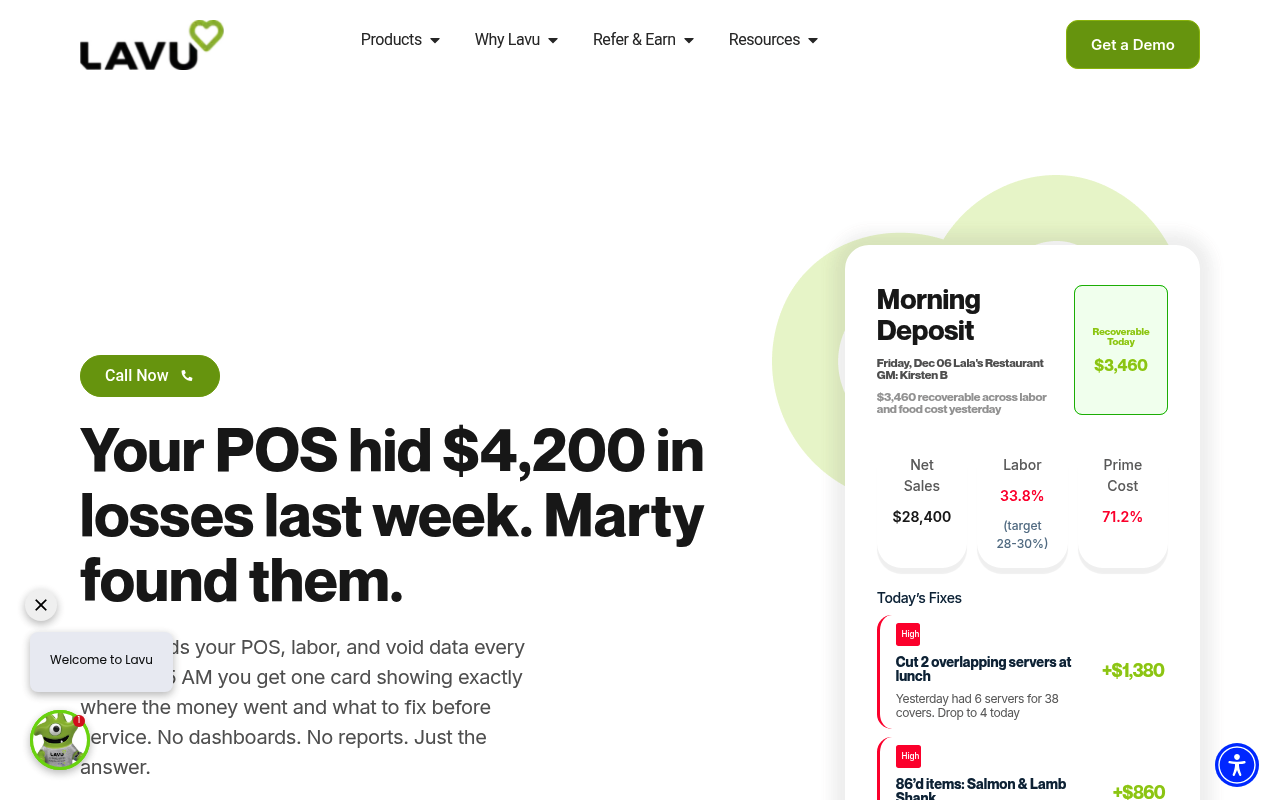
Lavu
Lavu is a cloud-based iPad restaurant point-of-sale system, now positioned as an AI-powered restaurant intelligence platform, serving restaurants, bars, and hospitality businesses with POS, payments, inventory, and reporting. Lavu promotes an open API that lets developers and restaurants extend the point of sale, build peripheral components, and create tailored integrations without waiting on vendor roadmaps. The POSLavu API is a POST-based interface where a single request server accepts form-encoded credentials (dataname, key, token) plus a table selector and returns XML rows; documented tables include menu_groups, menu_categories, menu_items, tables, orders, order_contents, order_payments, ingredients, and ingredient_usage. Records can be written with cmd=insert and an XML contents payload. Credentials are retrieved from the API tab of the POSLavu Control Panel, and the developer documentation is published at admin.poslavu.com; API access comes with an active Lavu account.
Lavu is listed with 2 APIs on the APIs.io network: Menu API and Orders API. Tagged areas include Restaurant, Point-of-Sale, Payments, Inventory, and Menu Management.
The Lavu catalog on APIs.io includes 1 JSON-LD context and 2 Spectral governance rulesets.
Lavu’s developer surface includes authentication, engineering blog, pricing, and 10 more developer resources.
Kin Score
 Kin Score
How this is scored →
Kin Score
How this is scored →scored 2026-10-17 · rubric v0.24.0
Markets this provider is in provisional
The Kin Score Market layer reads a provider inside its market: its position, and how deep its integrations go. Depth is only comparable within a position. Provisional and unweighted: not part of the Kin Score or agent readiness.
| Market | Position | Depth | Registered MCP server | Declares compatibility |
|---|---|---|---|---|
| Regulated Retail (cannabis track-and-trace, delivery marketplaces) | builds-on | 17.2 (thin) | - | - |
Registered MCP server and declares compatibility are report only — not weighted. Undeclared means we found nothing we can read, so there is no number: we never infer integrations.
APIs 2
Individual APIs this provider publishes, each with its own machine-readable definition.
Lavu Menu API
Menu groups, categories, and items.
Lavu Orders API
Orders, order contents, and payments.
Open Collections 6
Open, tool-agnostic API collections (OpenAPI-derived and Bruno).
API Collection
OPEN COLLECTIONLavu (POSLavu) Inventory API
OPEN COLLECTIONLavu (POSLavu) Inventory Menu API
OPEN COLLECTIONLavu (POSLavu) Inventory Orders API
OPEN COLLECTIONLavu (POSLavu) API
OPEN COLLECTIONLavu (POSLavu) Inventory Tables API
OPEN COLLECTIONPricing Plans 1
Published pricing tiers and plan structures.
Lavu Plans Pricing
PLANSRate Limits 1
Documented rate limits and quota policies.
Lavu Rate Limits
RATE LIMITSFinOps 1
Cost, billing, and metering signals for API financial operations.
Lavu Finops
FINOPSSemantic Vocabularies 1
JSON-LD contexts and semantic vocabularies used across these APIs.
Lavu Poslavu Api Context
JSON-LDSpectral Rules 2
Spectral governance rulesets for linting and validating these APIs.
Lavu — jsonschema rules
SPECTRALLavu API Rules
SPECTRALJSON Schema 7
Standalone JSON Schema definitions for this provider's data models.
MenuCategory
JSON SCHEMAMenuGroup
JSON SCHEMAMenuItem
JSON SCHEMAOrderContent
JSON SCHEMAOrderPayment
JSON SCHEMAOrder
JSON SCHEMATable
JSON SCHEMAScroll for all 7
JSON Structure 7
JSON Structure definitions describing this provider's data shapes.
Poslavu Api Menu Category Structure
JSON STRUCTUREPoslavu Api Menu Group Structure
JSON STRUCTUREPoslavu Api Menu Item Structure
JSON STRUCTUREPoslavu Api Order Content Structure
JSON STRUCTUREPoslavu Api Order Payment Structure
JSON STRUCTUREPoslavu Api Order Structure
JSON STRUCTUREPoslavu Api Table Structure
JSON STRUCTUREScroll for all 7
Examples 7
Example request and response payloads for these APIs.
Poslavu Api Order Example
EXAMPLEPoslavu Api Table Example
EXAMPLEScroll for all 7
Security Posture 2
Authentication, domain security, vulnerability disclosure, and trust-center signals.
Agentic Access 1
Recommended x-agentic-access execution contracts for AI agents.
Resources
Agent Surfaces 1
MCP servers, agent skills, and machine-readable catalogs
Design & Contract 3
Pagination, idempotency, versioning, errors, and events
Access & Security 2
Authentication, authorization, and security posture
Operate 1
Status, limits, changes, and where to get help
Commercial 3
Pricing, plans, and the legal terms of use
Company 3
The organization behind the API
Source (apis.yml)
Work with this as data
Every provider here is available over the APIs.io API and to AI agents over MCP.