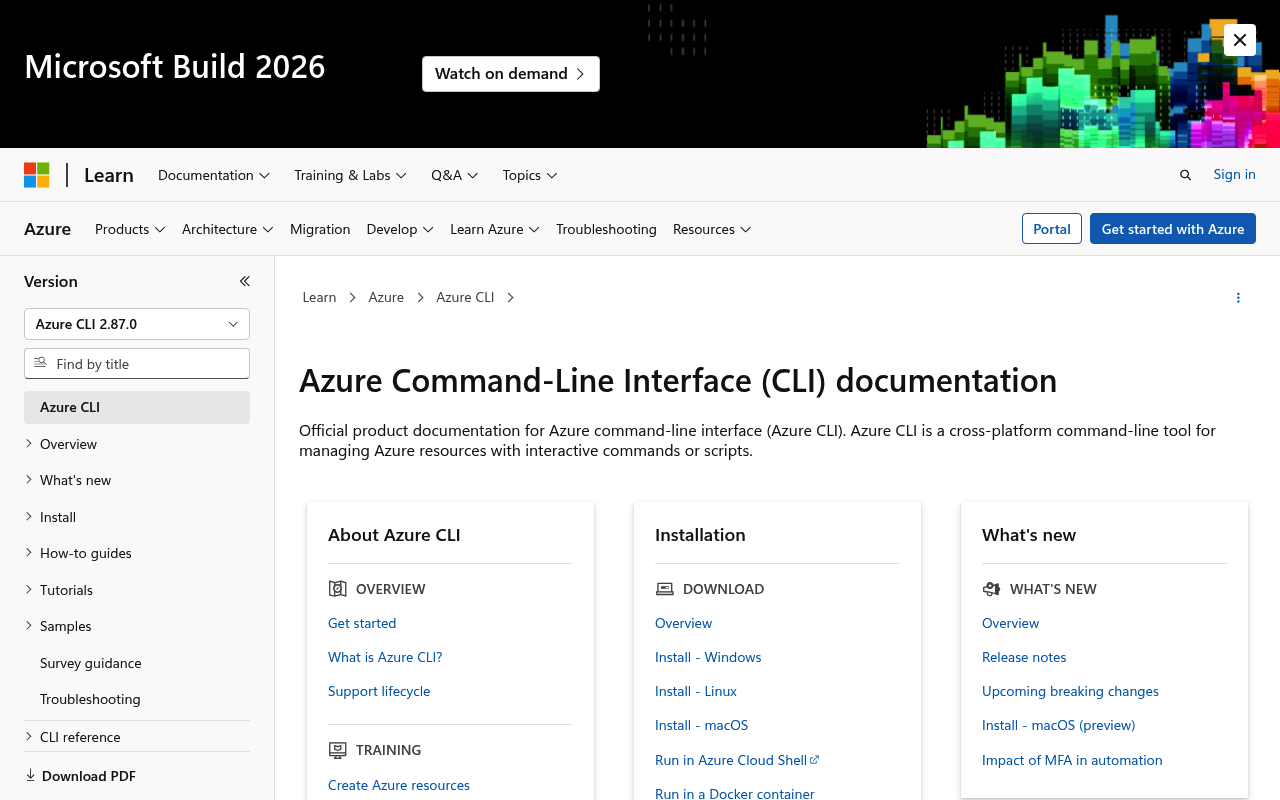
Azure CLI website screenshot

Azure CLI

Azure CLI is the official cross-platform command-line tool for managing Microsoft Azure resources and services from the terminal.

Azure CLI publishes 1 API on the APIs.io network. Tagged areas include Cloud Provider CLI and Command Line Interface.

Azure CLI’s developer surface includes documentation, getting-started guide, changelog, engineering blog, and 4 more developer resources.

22.5/100 emerging ▬ flat Agent 3/100 human only Full breakdown ↓
scored 2026-07-28 · rubric v0.6
AccessFreemium
1 APIs 8 Features 5 Use Cases
Cloud Provider CLICommand Line Interface

Kin Score

Kin Score Kin Score How this is scored →
scored 2026-07-28 · rubric v0.6
Composite quality — 22.5/100 · emerging
Contract Quality 0.0 / 25
Developer Ergonomics 4.3 / 20
Commercial Clarity 7.9 / 20
Operational Transparency 6.2 / 13
Governance 0.0 / 12
Discoverability 4.1 / 10
Agent readiness — 3/100 · human only
Machine-Readable Contract 0 / 18
Agentic Access Contract 0 / 10
MCP Server 0 / 12
Machine-Readable Auth 0 / 10
Idempotency 0 / 9
Stable Error Semantics 0 / 8
Request/Response Examples 0 / 7
Rate-Limit Signaling 7 / 7
Typed Event Surface 0 / 6
Agent Skills 0 / 5
Well-Known Catalog 0 / 4
Consent & Bot Identity 0 / 3
A2A Agent Card 0 / 8
Dry-Run / Simulate Mode 0 / 4
Improve this rating by publishing the missing artifacts — every area above can be raised, and the full rubric is at apis.io/rating/. This rating is computed from github.com/api-evangelist/azure-cli: open an issue to ask a question, or submit a pull request to add artifacts. Want it done for you? Prioritized profiling — $2,500 →

APIs 1

Individual APIs this provider publishes, each with its own machine-readable definition.

Azure CLI

Azure CLI is the official cross-platform command-line tool for managing Microsoft Azure resources and services from the terminal.

Pricing Plans 1

Published pricing tiers and plan structures.

Rate Limits 1

Documented rate limits and quota policies.

Azure Cli Rate Limits

5 limits

RATE LIMITS

FinOps 1

Cost, billing, and metering signals for API financial operations.

Features 8

Notable capabilities this provider offers.

Cross-Platform Support

Runs on Windows, macOS, and Linux with identical command syntax.

Interactive Mode

Interactive shell with auto-complete and inline help for command discovery.

Multiple Output Formats

Output as JSON, YAML, table, or TSV for pipeline integration.

JMESPath Querying

Filter and transform output with JMESPath query language using --query.

Azure Cloud Shell

Run Azure CLI in the browser via Azure Cloud Shell without local installation.

Bash Scripting Integration

Embed Azure CLI commands in Bash and PowerShell automation scripts.

Extension Support

Extend CLI functionality with official and community extensions.

Service Principal Auth

Authenticate with service principals for automated/non-interactive scenarios.

Scroll for all 8

Security Posture 2

Authentication, domain security, vulnerability disclosure, and trust-center signals.

Azure Cli Domain Security

TLSv1.3 · HSTS · DMARC

SECURITY

Azure Cli Vulnerability Disclosure

security.txt · contact published

SECURITY

Use Cases 5

What developers build with this provider.

Resource Provisioning

Provision Azure resources like VMs, storage accounts, and databases from the command line.

DevOps Automation

Automate Azure infrastructure tasks in CI/CD pipelines and deployment scripts.

Monitoring and Diagnostics

Query resource metrics, logs, and health status from the terminal.

Batch Operations

Perform bulk operations across multiple Azure resources in a single script.

Infrastructure as Code

Complement Terraform and Bicep with scripted Azure CLI commands.

Integrations 5

Pre-built integrations with other platforms and tools.

Azure DevOps

Use Azure CLI in Azure DevOps pipelines with the AzureCLI task.

GitHub Actions

Authenticate and run Azure CLI commands in GitHub Actions workflows.

Terraform

Complement Terraform with Azure CLI for tasks outside the Terraform provider.

Azure Cloud Shell

Access a pre-configured Azure CLI environment via browser.

VS Code

Integrated terminal support and Azure CLI extension for Visual Studio Code.

Resources

Get Started 1

Portal, sign-up, and the first successful call

Documentation 1

Reference material describing how the API behaves

Build 1

SDKs, sample code, and the tooling you integrate with

Access & Security 2

Authentication, authorization, and security posture

Operate 1

Status, limits, changes, and where to get help

Company 2

The organization behind the API

Source (apis.yml)

apis.yml Raw ↑
aid: azure-cli
name: Azure CLI
description: Azure CLI is the official cross-platform command-line tool for managing Microsoft Azure resources and services
  from the terminal.
type: Index
accessModel:
  pricing: freemium
  onboarding: unknown
  trial: false
  try_now: false
  public: false
  label: Freemium
  confidence: medium
  source:
  - plans
  generated: '2026-07-22'
  method: derived
image: https://kinlane-images.s3.amazonaws.com/shared/apis-json/icons/azure-cli.png
tags:
- Cloud Provider CLI
- Command Line Interface
url: https://raw.githubusercontent.com/api-evangelist/azure-cli/refs/heads/main/apis.yml
created: '2026-03-25'
modified: '2026-04-19'
specificationVersion: '0.19'
apis:
- aid: azure-cli:azure-cli
  name: Azure CLI
  description: Azure CLI is the official cross-platform command-line tool for managing Microsoft Azure resources and services
    from the terminal.
  humanURL: https://learn.microsoft.com/en-us/cli/azure/
  tags:
  - Cloud Provider CLI
  - Command Line Interface
  properties:
  - type: Documentation
    url: https://learn.microsoft.com/en-us/cli/azure/get-started-with-azure-cli
  - type: GitHubRepository
    url: https://github.com/Azure/azure-cli
common:
- type: VulnerabilityDisclosure
  url: security/azure-cli-vulnerability-disclosure.yml
- type: DomainSecurity
  url: security/azure-cli-domain-security.yml
- type: Website
  url: https://learn.microsoft.com/en-us/cli/azure/
- type: Documentation
  url: https://learn.microsoft.com/en-us/cli/azure/get-started-with-azure-cli
- type: GitHubRepository
  url: https://github.com/Azure/azure-cli
- type: GettingStarted
  url: https://learn.microsoft.com/en-us/cli/azure/get-started-with-azure-cli
- type: ChangeLog
  url: https://learn.microsoft.com/en-us/cli/azure/release-notes-azure-cli
- type: Features
  data:
  - name: Cross-Platform Support
    description: Runs on Windows, macOS, and Linux with identical command syntax.
  - name: Interactive Mode
    description: Interactive shell with auto-complete and inline help for command discovery.
  - name: Multiple Output Formats
    description: Output as JSON, YAML, table, or TSV for pipeline integration.
  - name: JMESPath Querying
    description: Filter and transform output with JMESPath query language using --query.
  - name: Azure Cloud Shell
    description: Run Azure CLI in the browser via Azure Cloud Shell without local installation.
  - name: Bash Scripting Integration
    description: Embed Azure CLI commands in Bash and PowerShell automation scripts.
  - name: Extension Support
    description: Extend CLI functionality with official and community extensions.
  - name: Service Principal Auth
    description: Authenticate with service principals for automated/non-interactive scenarios.
- type: UseCases
  data:
  - name: Resource Provisioning
    description: Provision Azure resources like VMs, storage accounts, and databases from the command line.
  - name: DevOps Automation
    description: Automate Azure infrastructure tasks in CI/CD pipelines and deployment scripts.
  - name: Monitoring and Diagnostics
    description: Query resource metrics, logs, and health status from the terminal.
  - name: Batch Operations
    description: Perform bulk operations across multiple Azure resources in a single script.
  - name: Infrastructure as Code
    description: Complement Terraform and Bicep with scripted Azure CLI commands.
- type: Integrations
  data:
  - name: Azure DevOps
    description: Use Azure CLI in Azure DevOps pipelines with the AzureCLI task.
  - name: GitHub Actions
    description: Authenticate and run Azure CLI commands in GitHub Actions workflows.
  - name: Terraform
    description: Complement Terraform with Azure CLI for tasks outside the Terraform provider.
  - name: Azure Cloud Shell
    description: Access a pre-configured Azure CLI environment via browser.
  - name: VS Code
    description: Integrated terminal support and Azure CLI extension for Visual Studio Code.
- url: https://azure.microsoft.com/en-us/blog/feed/atom/
  type: Blog
maintainers:
- FN: Kin Lane
  email: kin@apievangelist.com
