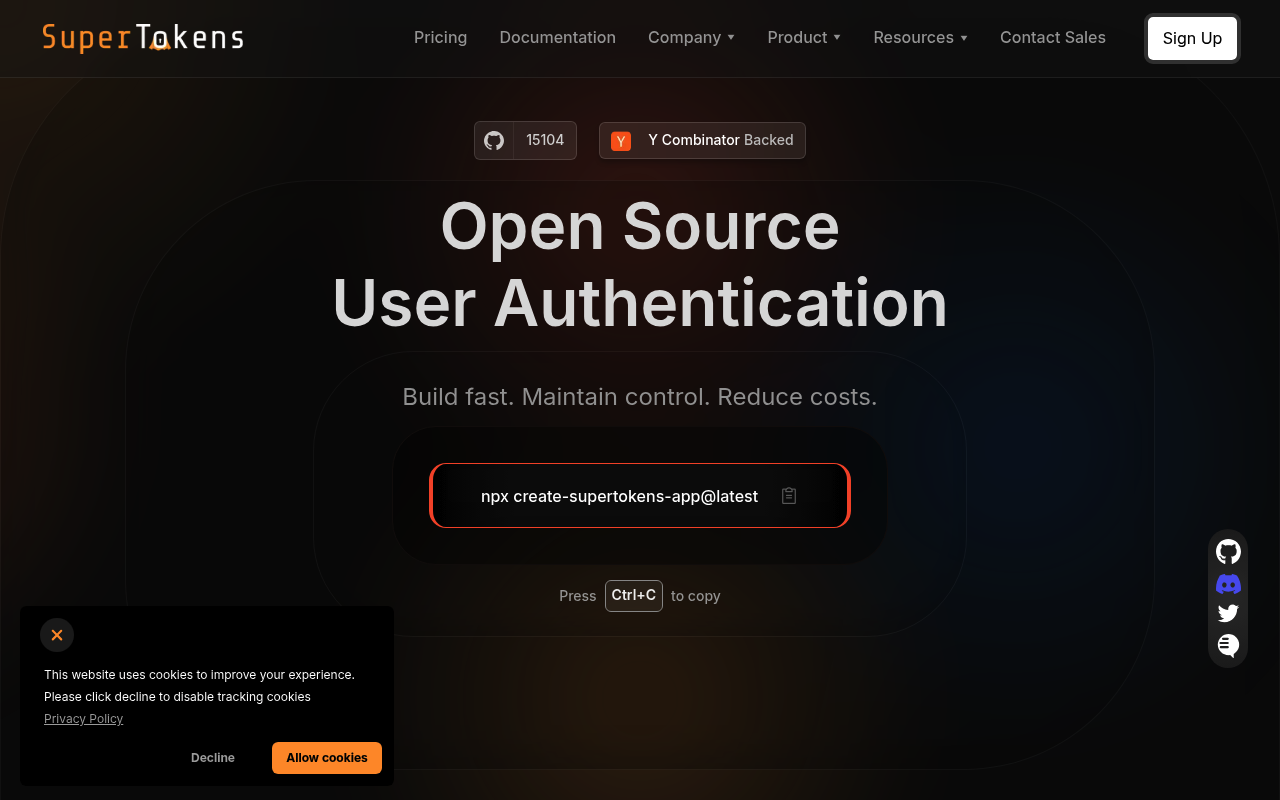
SuperTokens website screenshot

SuperTokens

SuperTokens is an open source authentication solution providing session management, social login, email/password auth, and passwordless flows for web and mobile apps. It is an open source alternative to Auth0, Firebase Auth, and AWS Cognito. SuperTokens exposes a Core Driver Interface (CDI) HTTP API for backend SDKs to communicate with the supertokens-core service, as well as a Frontend Driver Interface (FDI) for frontend SDK interaction. Available SDKs cover Node.js, Python, Go, Java, React, Flutter, iOS, and Android.

1 APIs 16 Features
AuthenticationOpen SourceSession ManagementSocial LoginPasswordlessIdentityAuthorizationMulti-TenancyNode.jsSelf-Hosted

APIs

SuperTokens Core Driver Interface

The Core Driver Interface (CDI) is the REST API exposed by the supertokens-core HTTP service. Backend SDKs (Node.js, Python, Go) communicate with the core via this API to perfor...

Collections

Pricing Plans

Rate Limits

Supertokens Rate Limits

2 limits

RATE LIMITS

FinOps

Features

Free self-hosted: open-source core at any scale
Cloud: $0.02/MAU (free under 5K MAUs)
Self-hosted paid add-ons: same rates as Cloud, $100/mo minimum
Email/password, social login, SSO, magic links, SMS/Email OTP
User Management Dashboard (3 users free, $20/user/mo above)
Session Management with rotating refresh tokens
MFA add-on: $0.01/MAU
Account Linking add-on: $0.005/MAU
Frontend SDKs: React, Next.js, Vue, Angular, vanilla JS
Backend SDKs: Node.js, Python, Go (community for others)
RBAC built-in
Pre-built UI components
Self-hostable Postgres or MySQL backend
Open source (Apache 2.0)
SOC 2 compliant managed cloud
Recipe-based architecture (one for each auth method)

Semantic Vocabularies

Supertokens Context

7 classes · 11 properties

JSON-LD

API Governance Rules

SuperTokens API Rules

10 rules · 5 errors 5 warnings

SPECTRAL

JSON Structure

Supertokens Session Structure

0 properties

JSON STRUCTURE

Supertokens Structure

0 properties

JSON STRUCTURE

Example Payloads

Supertokens Signup Example

3 fields

EXAMPLE

Resources

🔗
LinkedIn
LinkedIn
🔗
Website
Website
🔗
Documentation
Documentation
👥
GitHubOrganization
GitHubOrganization
👥
GitHubRepository
GitHubRepository
📦
SDK Node.js
SDK Node.js
📦
SDK Python
SDK Python
📦
SDK Go
SDK Go
📦
SDK React
SDK React
📦
SDK Flutter
SDK Flutter
📄
ChangeLog
ChangeLog
🔗
Issues
Issues
🔗
MCPServer
MCPServer
🔗
LlmsText
LlmsText
🔗
Review
Review

Sources

Raw ↑
opencollection: 1.0.0
info:
  name: SuperTokens Core Driver Interface
  version: '5.1'
request:
  auth:
    type: apikey
    key: api-key
    value: '{{api-key}}'
    placement: header
items:
- info:
    name: Health
    type: folder
  items:
  - info:
      name: Get Service Health
      type: http
    http:
      method: GET
      url: http://{host}:{port}/hello
    docs: Returns a health check response confirming the SuperTokens Core service is running.
  - info:
      name: Get API Version
      type: http
    http:
      method: GET
      url: http://{host}:{port}/apiversion
    docs: Returns the supported CDI API versions for this Core instance.
- info:
    name: Sessions
    type: folder
  items:
  - info:
      name: Get Session
      type: http
    http:
      method: GET
      url: http://{host}:{port}/recipe/session
      params:
      - name: accessToken
        value: ''
        type: query
        description: The access token to verify
      - name: doAntiCsrfCheck
        value: ''
        type: query
        description: Whether to perform anti-CSRF check
    docs: Verifies and retrieves a session using the access token.
  - info:
      name: Create Session
      type: http
    http:
      method: POST
      url: http://{host}:{port}/recipe/session
      body:
        type: json
        data: '{}'
    docs: Creates a new authentication session for a user, generating access and refresh tokens.
  - info:
      name: Refresh Session
      type: http
    http:
      method: POST
      url: http://{host}:{port}/recipe/session/refresh
      body:
        type: json
        data: '{}'
    docs: Creates a new session using a refresh token, rotating both access and refresh tokens.
  - info:
      name: Remove Sessions
      type: http
    http:
      method: POST
      url: http://{host}:{port}/recipe/session/remove
      body:
        type: json
        data: '{}'
    docs: Revokes one or more sessions by session handle or user ID.
  - info:
      name: Get Session Data
      type: http
    http:
      method: GET
      url: http://{host}:{port}/recipe/session/data
      params:
      - name: sessionHandle
        value: ''
        type: query
        description: The session handle to retrieve data for
    docs: Retrieves the custom session data stored for a session handle.
  - info:
      name: Update Session Data
      type: http
    http:
      method: PUT
      url: http://{host}:{port}/recipe/session/data
      body:
        type: json
        data: '{}'
    docs: Updates the custom session data stored for a session handle.
- info:
    name: Email Password
    type: folder
  items:
  - info:
      name: Email Password Sign Up
      type: http
    http:
      method: POST
      url: http://{host}:{port}/recipe/signup
      body:
        type: json
        data: '{}'
    docs: Creates a new user account with email and password credentials.
  - info:
      name: Email Password Sign In
      type: http
    http:
      method: POST
      url: http://{host}:{port}/recipe/signin
      body:
        type: json
        data: '{}'
    docs: Authenticates a user with email and password, returning user information.
  - info:
      name: Create Reset Password Token
      type: http
    http:
      method: POST
      url: http://{host}:{port}/recipe/user/password/reset/token
      body:
        type: json
        data: '{}'
    docs: Generates a password reset token for the specified user.
  - info:
      name: Reset Password
      type: http
    http:
      method: POST
      url: http://{host}:{port}/recipe/user/password/reset
      body:
        type: json
        data: '{}'
    docs: Resets the user's password using a valid reset token.
- info:
    name: Passwordless
    type: folder
  items:
  - info:
      name: Create Passwordless Code
      type: http
    http:
      method: POST
      url: http://{host}:{port}/recipe/signinup/code
      body:
        type: json
        data: '{}'
    docs: Creates a one-time code (OTP) or magic link for passwordless authentication via email or phone.
  - info:
      name: Consume Passwordless Code
      type: http
    http:
      method: POST
      url: http://{host}:{port}/recipe/signinup/code/consume
      body:
        type: json
        data: '{}'
    docs: Validates and consumes a passwordless OTP or magic link code to authenticate the user.
- info:
    name: Third Party
    type: folder
  items:
  - info:
      name: Third Party Sign In / Up
      type: http
    http:
      method: POST
      url: http://{host}:{port}/recipe/signinup
      body:
        type: json
        data: '{}'
    docs: Creates or retrieves a user account based on a third-party OAuth provider token (Google, GitHub, Apple, etc.).
- info:
    name: Email Verification
    type: folder
  items:
  - info:
      name: Create Email Verification Token
      type: http
    http:
      method: POST
      url: http://{host}:{port}/recipe/user/email/verify/token
      body:
        type: json
        data: '{}'
    docs: Generates an email verification token for the specified user and email.
  - info:
      name: Is Email Verified
      type: http
    http:
      method: GET
      url: http://{host}:{port}/recipe/user/email/verify
      params:
      - name: userId
        value: ''
        type: query
      - name: email
        value: ''
        type: query
    docs: Checks whether a user's email has been verified.
  - info:
      name: Verify Email
      type: http
    http:
      method: POST
      url: http://{host}:{port}/recipe/user/email/verify
      body:
        type: json
        data: '{}'
    docs: Verifies a user's email address using the provided verification token.
- info:
    name: User Metadata
    type: folder
  items:
  - info:
      name: Get User Metadata
      type: http
    http:
      method: GET
      url: http://{host}:{port}/recipe/user/metadata
      params:
      - name: userId
        value: ''
        type: query
        description: User ID to fetch metadata for
    docs: Retrieves custom metadata stored for a user by userId.
  - info:
      name: Update User Metadata
      type: http
    http:
      method: PUT
      url: http://{host}:{port}/recipe/user/metadata
      body:
        type: json
        data: '{}'
    docs: Updates or merges custom metadata for a user. Fields are shallow-merged with existing metadata.
  - info:
      name: Delete User Metadata
      type: http
    http:
      method: DELETE
      url: http://{host}:{port}/recipe/user/metadata
      params:
      - name: userId
        value: ''
        type: query
    docs: Deletes all metadata stored for a user.
- info:
    name: Multi Tenancy
    type: folder
  items:
  - info:
      name: Get Tenant
      type: http
    http:
      method: GET
      url: http://{host}:{port}/recipe/multitenancy/tenant
      params:
      - name: tenantId
        value: ''
        type: query
        description: The tenant ID to retrieve
    docs: Retrieves the configuration for a specific tenant.
  - info:
      name: Create Or Update Tenant
      type: http
    http:
      method: POST
      url: http://{host}:{port}/recipe/multitenancy/tenant
      body:
        type: json
        data: '{}'
    docs: Creates a new tenant or updates an existing tenant configuration in a multi-tenant setup.
  - info:
      name: List Tenants
      type: http
    http:
      method: GET
      url: http://{host}:{port}/recipe/multitenancy/tenant/list
    docs: Returns a list of all tenants configured in this SuperTokens app.
- info:
    name: Users
    type: folder
  items:
  - info:
      name: List Users
      type: http
    http:
      method: GET
      url: http://{host}:{port}/users
      params:
      - name: limit
        value: ''
        type: query
        description: Maximum number of users to return
      - name: paginationToken
        value: ''
        type: query
        description: Pagination token from previous response
      - name: includeRecipeIds
        value: ''
        type: query
        description: Comma-separated list of recipe IDs to filter by
    docs: Returns a paginated list of users with optional filtering by tenant and recipe type.
  - info:
      name: Delete User
      type: http
    http:
      method: DELETE
      url: http://{host}:{port}/user/remove
      params:
      - name: userId
        value: ''
        type: query
        description: User ID to delete
    docs: Permanently deletes a user and all their session, metadata, and authentication data.
- info:
    name: User Roles
    type: folder
  items:
  - info:
      name: List Roles
      type: http
    http:
      method: GET
      url: http://{host}:{port}/recipe/roles
    docs: Returns all roles configured in the application.
  - info:
      name: Create Or Update Role
      type: http
    http:
      method: PUT
      url: http://{host}:{port}/recipe/roles
      body:
        type: json
        data: '{}'
    docs: Creates a new role or updates permissions for an existing role.
  - info:
      name: Get User Roles
      type: http
    http:
      method: GET
      url: http://{host}:{port}/recipe/user/roles
      params:
      - name: userId
        value: ''
        type: query
    docs: Returns all roles assigned to a specific user.
  - info:
      name: Assign Role To User
      type: http
    http:
      method: PUT
      url: http://{host}:{port}/recipe/user/roles
      body:
        type: json
        data: '{}'
    docs: Assigns a role to a specific user.
  - info:
      name: Remove User Role
      type: http
    http:
      method: DELETE
      url: http://{host}:{port}/recipe/user/roles
      params:
      - name: userId
        value: ''
        type: query
      - name: role
        value: ''
        type: query
    docs: Removes a role assignment from a user.
bundled: true